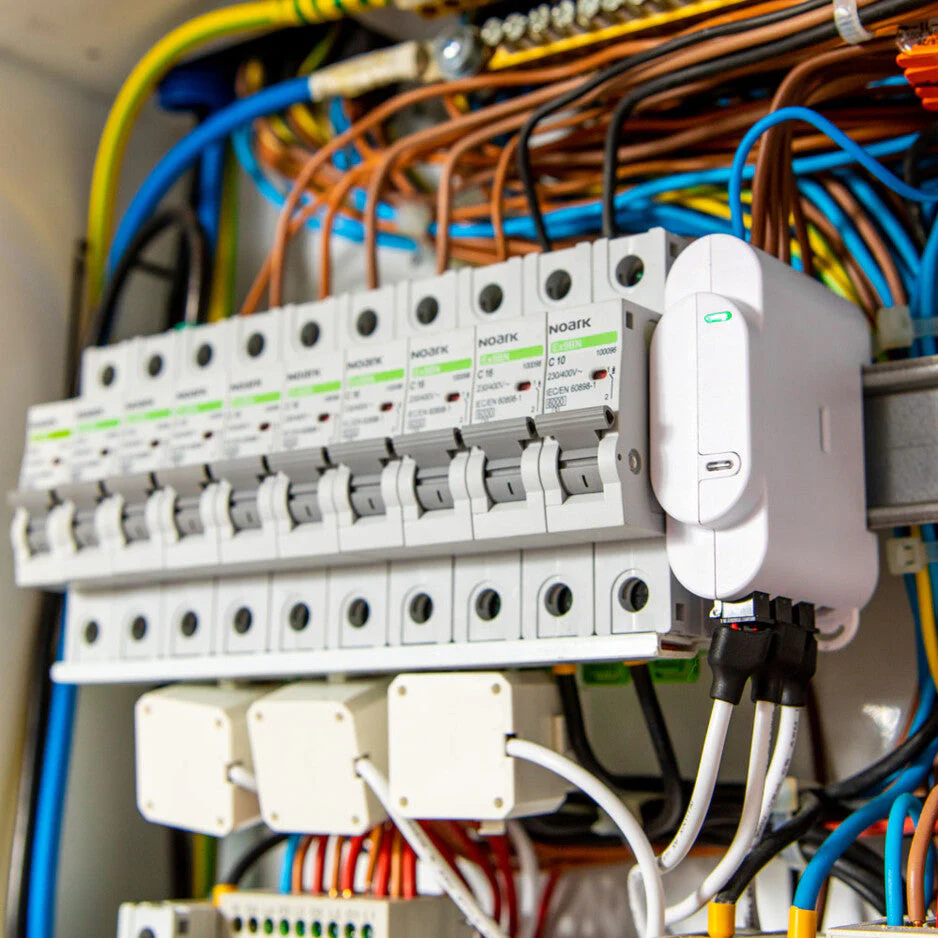
If your goal is better energy visibility, the first upgrade is usually not the fanciest app, the most branch sensors, or a bigger pile of smart devices. It is the upgrade that fixes your biggest measurement blind spot.
For most homes, that means starting with whole-home visibility at the main boundary. After that, the next best upgrade is usually one targeted circuit-level view for a major load such as an EV charger, hot water system, or HVAC. Only after those two layers are doing their job does it usually make sense to prioritize a broader local dashboard, open API workflow, or more advanced automation.
That order matters because many households buy more monitoring hardware before they have answered the simplest question first: what is the home actually importing, exporting, generating, or consuming as a whole?
The short answer
If you want better energy visibility instead of just lower bills, the strongest default upgrade order is usually:
- Fix the whole-home view first with a proper main meter, smart meter, or panel-level monitor.
- Add one targeted circuit view only if a major load is still hiding the answer.
- Choose your data model next: vendor-app-only, open/local-friendly, or hybrid.
- Add automation and control later, once the measurements already make sense.
That sequence is usually more useful than jumping straight to sixteen branch sensors, a battery add-on, or a new app ecosystem.
Why most visibility problems start at the wrong layer
A surprising number of households already have data, but still do not have clarity.
They may have:
- an inverter app that shows solar production but not true household consumption
- a charger app that shows EV sessions but not what that load does to evening imports
- a few smart plugs that explain small devices but not the heavy circuits
- a utility bill that confirms the cost but not the pattern
Home Assistant's energy documentation reflects the practical structure most users eventually need: energy data grouped into what the home consumes, produces, and stores, and the ability to start with one source and add more over time. That is a better mental model than treating every new sensor as equally important.
If the total house view is missing, every other layer risks becoming detailed but incomplete.
The best first upgrade for most homes
For most readers, the best first upgrade is whichever option gives a trustworthy whole-home picture.
That usually means one of these:
| First upgrade path | Best when | Why it should come first |
|---|---|---|
| Inverter-compatible smart meter | You already have solar and want better import/export and self-consumption visibility | It gives the inverter and app the missing grid-boundary context |
| Panel-level energy monitor | You want total usage first and may add branch monitoring later | It establishes a whole-home baseline before you chase individual circuits |
| Open or local-friendly meter | You already know you care about dashboards, integrations, or data portability | It improves the main view without locking the next layer too early |
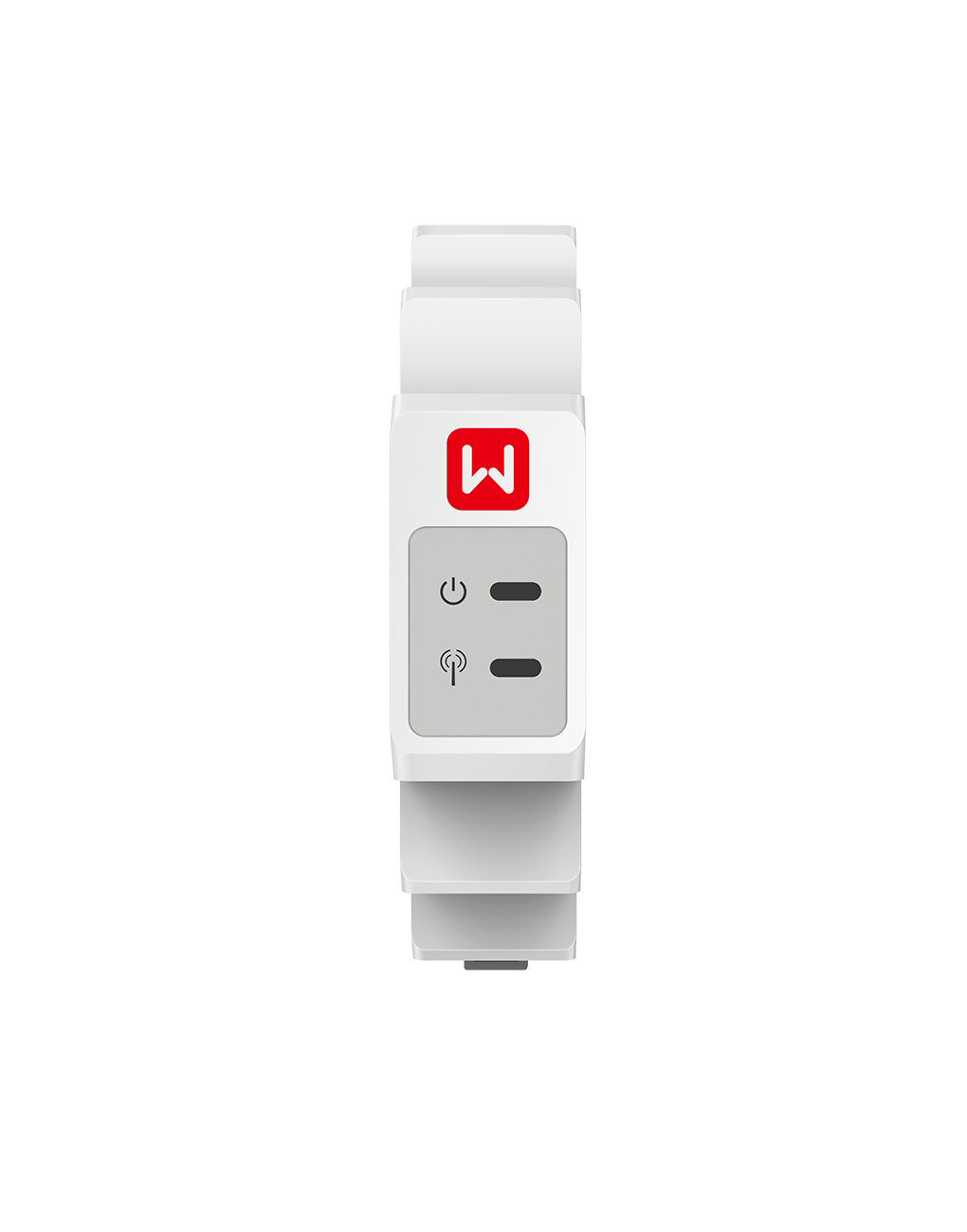
An inverter-compatible smart meter is often the cleanest first upgrade when a solar home still lacks trustworthy import and export visibility.
GoodWe describes its single-phase Smart Meter as a device for real-time power monitoring, load tracking, and export power management, tied into the SEMS monitoring platform. That is a good example of the first-upgrade principle: before you chase more detail, make sure the core system can see the grid boundary correctly.
Emporia makes a similar argument from the panel-monitor side. Its Vue 3 is designed to track total home usage first, then let users add branch monitoring where needed. Emporia's own documentation also makes clear that the platform is cloud-based and centered on app access, which is useful if convenience matters more than local control.
So the first decision is not only what hardware to buy. It is what kind of visibility gap you are solving first.
When a main meter beats more branch sensors
A main meter or whole-home monitor should usually outrank extra branch sensors when you are trying to answer questions like:
- Why did my imports jump even though solar production looks normal?
- Is the battery actually reducing evening grid use?
- Is the house using more energy overall, or did one appliance simply shift its timing?
- Are export numbers low because the home is using more solar on site?
These are all system questions, not appliance questions.
If you skip the system layer and start with circuit sensors, you can still miss the most important story. You might know the hot water circuit used more energy this week, but still not know whether total household imports improved, worsened, or simply moved to another time window.
That is why the main boundary usually deserves the first budget.
When circuit-level monitoring becomes the right next move
After the whole-home view is credible, circuit monitoring becomes much more valuable.
It usually deserves priority when one heavy load is still distorting the picture, especially:
- a home EV charger
- electric hot water
- ducted HVAC or a heat pump
- a workshop, pool, or sub-board
- a backup loads panel
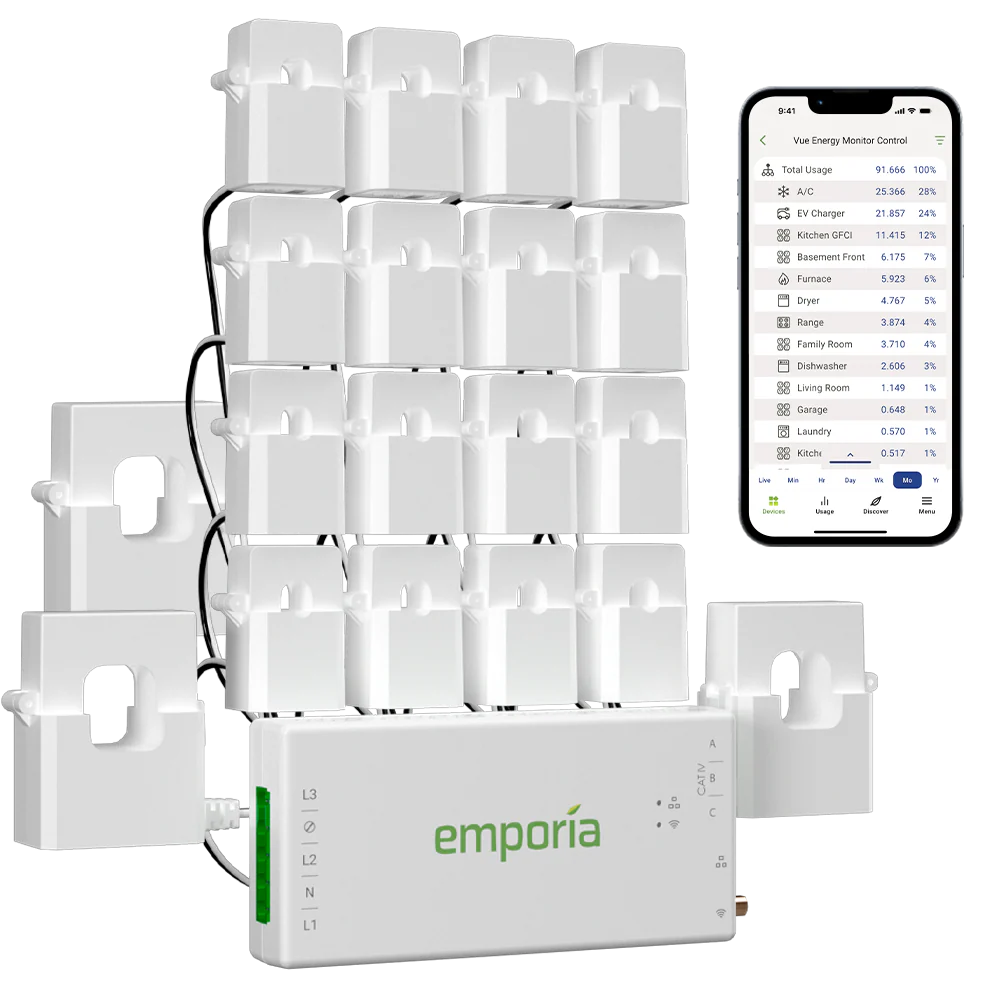
Panel-level monitors become much more useful after the whole-home baseline is already understood and you are ready to isolate major loads or branches.
Home Assistant's individual-device energy guidance also points to this layered approach. It supports device-level monitoring and upstream hierarchies specifically so readers can see individual loads without double-counting them against the larger circuit or whole-home source.
That is the right way to think about the second upgrade: not as “more sensors everywhere,” but as “one extra measurement point that answers the next real question.”
Open data or app convenience: which should come earlier?
Once the whole-home layer is working, many readers face a different choice: should the next upgrade be better data access, or simply better convenience?
That depends on how you plan to use the system.
Choose app-first convenience earlier if:
- you mainly want alerts, clean charts, and quick remote access
- you do not plan to build your own dashboard
- your household wants lower effort more than deeper integration
- you are comfortable with cloud dependence
Emporia is a strong example of this model. The Vue sends data to the Emporia cloud over Wi-Fi, and the app reads from that cloud layer. Emporia explicitly says local device access is not available on the Vue line. For many households, that is completely fine. The value is speed and simplicity.
Choose open or local-friendly data access earlier if:
- you want Home Assistant, MQTT, API access, or your own server later
- you do not want the system architecture dictated by one vendor app
- you care about portability when you add solar, battery, or automation later
- you expect to outgrow a closed dashboard
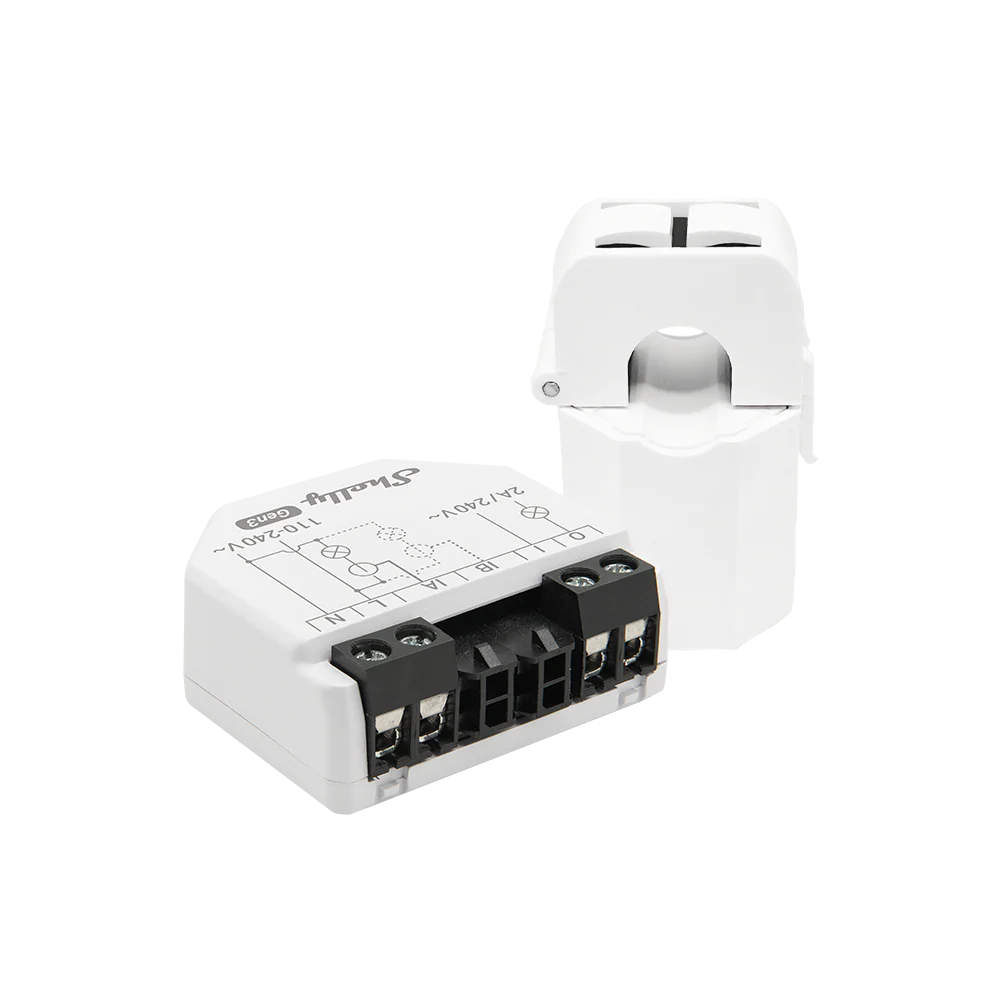
Open or local-friendly meters are often the better early choice when you already know future integrations and data portability will matter.
Shelly and IAMMETER both illustrate why this matters. Shelly's EM Gen3 can work on a local Wi-Fi network, supports up to two current transformers, and stores data on-device for short-term retrieval. IAMMETER highlights open API support and documents integrations with Home Assistant and other third-party platforms.
So if you already know that long-term flexibility matters, it can be smarter to choose a slightly more open first meter rather than replacing a closed system a year later.
A practical upgrade order by home situation
If you only have an inverter app
Upgrade the whole-home view first.
A smart meter or panel-level monitor is usually a better next buy than more solar charts. Solar production alone does not explain total consumption, import spikes, or whether self-consumption actually improved.
If you already see total usage but still feel blind
Add one branch-level measurement point.
This is often the right moment to isolate the EV charger, hot water system, or HVAC load that is still hiding inside the total.
If you already have good measurements but poor usability
Upgrade the software and data layer next.
This may mean moving toward Home Assistant, a more open meter, or a cleaner combined dashboard rather than buying yet another sensor.
If you already have good visibility but want action
Upgrade control, not monitoring.
At that point, a smart power controller, demand logic, load shifting, or tariff-aware automation may do more than another measurement device.
What usually gets overbought
The most commonly overbought upgrade is branch-level detail before the reader has a stable whole-home baseline.
The second most commonly overbought upgrade is a closed app ecosystem when the reader already knows they want deeper integrations later.
The third is buying a battery, charger integration, or control layer in the hope that it will also solve a visibility problem. Those are different jobs.
Better visibility comes from a clean measurement architecture. Better savings come later from what you do with that visibility.
A buyer checklist before you spend
Before choosing the next upgrade, check these questions:
- What specific question can I not answer today?
- Is that a whole-home question or a single-load question?
- Do I need convenience first, or long-term data flexibility first?
- Will I want Home Assistant, API access, or local dashboards later?
- Am I about to buy more detail before I have a trustworthy main boundary?
- If I add one more measurement point, which decision will become easier afterward?
If you can answer those clearly, the next upgrade decision usually becomes much simpler.
Bottom line
If you want better energy visibility, the first upgrade should usually be the one that fixes the largest missing boundary, not the one that promises the most features.
For most homes, that means:
- whole-home visibility first
- one targeted circuit view second
- open data or dashboard depth third
- automation and control after that
That order gives you a cleaner path into solar optimization, EV charging analysis, battery planning, and load control without overbuying the wrong layer too early.
Related reading
- Main Meter vs Circuit Meter for Solar Homes: Which One Do You Actually Need?
- How to Add Consumption Monitoring to a Solar Home That Only Has Inverter Data
- How to Monitor Solar, Battery, Grid, and Household Load Without Ending Up With Confusing Data
- What an Open Energy Meter Lets You Do That a Closed App Usually Does Not
- What Makes a Smart Power Controller Useful in a Solar Home
- Shelly EM
- GoodWe Smart Meter GMK110
- Emporia Vue 3 3-Phase Energy Monitor
- Solar Monitoring Planner