Project overview
energy-device-simulator is the test-bench companion for the rest of the stack. It exists for the moments when you need repeatable protocol behavior, but you do not want to depend on a real meter or inverter being online, correctly configured, and physically available.
Instead of pretending to be a huge lab environment, the simulator stays focused on the behaviors that matter most during integration work:
- serving realistic local protocol responses
- switching between supported source-device profiles quickly
- exposing a small browser console for control
- keeping output deterministic enough for validation and troubleshooting
That makes it useful for development, demos, regression checks, and first-pass integration work.
Why it matters
Real energy hardware is valuable, but it is also inconvenient during routine software work. A simulator helps when you want to:
- test parser changes without touching a live install
- reproduce a gateway or dashboard workflow locally
- compare behavior between device families quickly
- validate browser UI logic before field deployment
- keep development moving even when the real meter is offline or unavailable
Real simulator screenshots
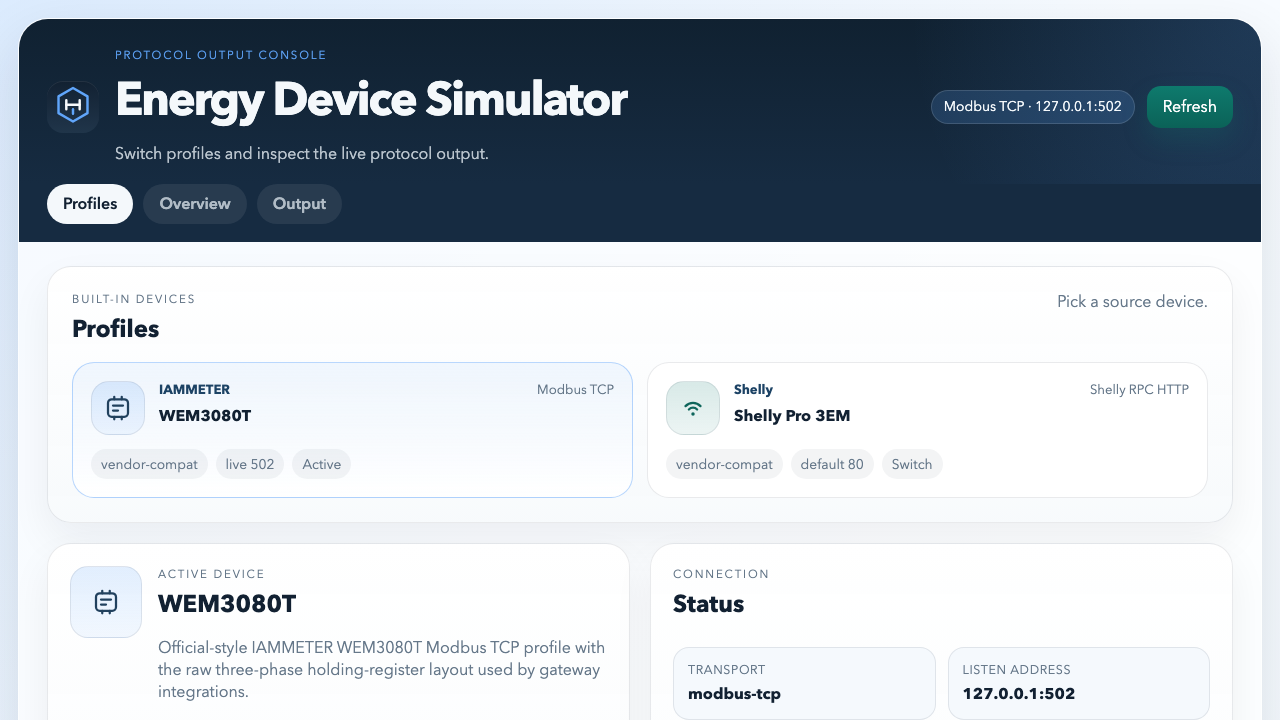
The desktop console keeps the simulator intentionally compact: select the active device profile, review the live payload shape, and confirm what an edge bridge or gateway should see.
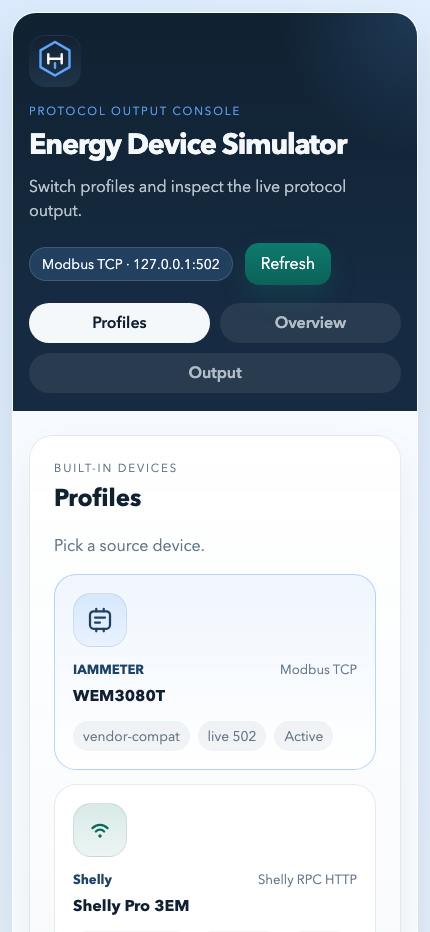
The mobile view shows that the local console remains usable even when the simulator is being checked from a phone or a narrow viewport during setup and testing.
Supported simulated device families
The project is currently aimed at the device families used by the broader EnergyMeterHub tooling:
IAMMETER WEM3080TShelly Pro 3EMFronius SunSpec
The benefit is not just protocol coverage. It is the ability to switch those profiles quickly while keeping the rest of the test workflow stable.
Where it fits best
energy-device-simulator is especially helpful when you are:
- building or testing
energy-device-edge - validating
energy-device-gateway - checking how a dashboard handles different sources
- preparing demos without relying on customer hardware
- writing deterministic tests around protocol translation logic