A good energy monitoring app can make a meter feel easy on day one. But if you care about long-term access to your own energy data, the app is only one layer of the decision.
For many homeowners, installers, facility managers, and technically minded energy users, the more important questions are different:
- Can I get the data out of the meter without waiting for a vendor dashboard?
- Can I send readings to Home Assistant, Node-RED, InfluxDB, Grafana, an EMS, or my own database?
- Can I keep monitoring if the cloud service changes, the app is discontinued, or the site internet goes down?
- Can I see import, export, solar production, EV charging, battery flows, and large loads at the right time resolution?
- Can I trust the units, sign conventions, phase mapping, and historical records enough to make decisions from them?
If those questions matter to you, choose the meter for data access first and app design second.
The Short Version
If data access is a priority, look for an energy meter that gives you at least one durable path into your own systems. The strongest options usually include one or more of these:
- a documented local API
- MQTT publishing
- Modbus RTU or Modbus TCP
- HTTP or WebSocket access
- CSV or API-based cloud export
- stable Home Assistant support
- clear import/export, phase, power, voltage, current, and energy entities
A beautiful mobile app is useful, but it should not be the only way to reach your data. The more your energy decisions depend on automation, tariffs, solar self-consumption, EV charging, battery control, or long-term analysis, the more the access layer matters.
Why Data Access Often Matters More Than the App
Most energy meter apps are designed for quick interpretation: today’s consumption, current power, solar export, monthly totals, and maybe a few alerts. That is enough for many users. But it becomes limiting when the meter is part of a larger energy system.
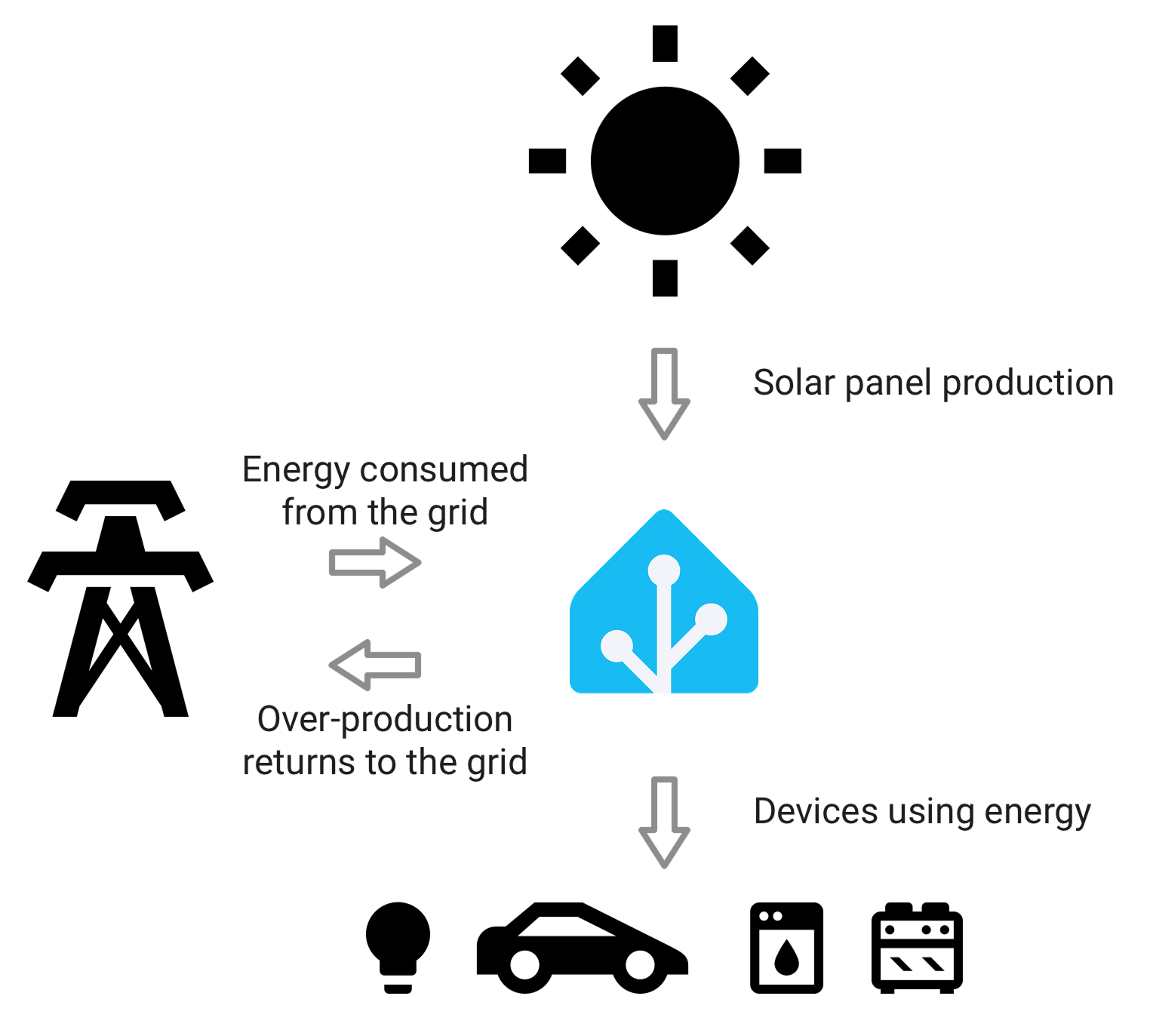
A solar home may need grid import and export readings to trigger surplus charging. A commercial site may want demand data in a facility dashboard. A technically minded homeowner may want local logs because cloud-only history is too coarse, too delayed, or too hard to export. An installer may need a predictable integration method across many sites instead of a different app workflow for every device.
The question is not whether the app is good. The question is whether the app is the only useful interface.
Start With the Destination for the Data
Before comparing meter models, decide where the data needs to go.
| Data destination | What to look for | Why it matters |
|---|---|---|
| Home Assistant | Native integration, MQTT, Modbus, or well-maintained local API support | Keeps energy data usable in automations, dashboards, and long-term statistics |
| InfluxDB or Grafana | MQTT, HTTP push, local polling, or an exportable API | Makes high-resolution historical analysis easier |
| A solar inverter or hybrid inverter | Vendor-supported meter compatibility, RS485 wiring, approved CTs | Needed when the inverter uses the meter for export limitation, battery control, or consumption display |
| A building energy management system | Modbus RTU/TCP, documented registers, stable network behavior | Helps professional systems ingest data without reverse engineering |
| A spreadsheet or billing review | CSV export, API export, tariff fields, reliable timestamps | Useful for bill checks and periodic reporting |
| A vendor app only | Cloud reliability, export options, account access, data retention | Fine when convenience matters more than integration |
This destination-first approach prevents a common mistake: buying a meter that looks excellent in its own app but cannot feed the system you actually want to use.
Local API, MQTT, Modbus, and Cloud Export Are Not the Same Thing
“Open” can mean several different things. It is worth separating the access methods before choosing hardware.
A local API usually means software on your local network can request readings directly from the device. This is useful when you want monitoring to keep working without cloud round trips.
MQTT is often better when the meter should publish readings into a broader automation stack. In a well-designed MQTT setup, the meter or gateway sends updates to a broker, and multiple tools can subscribe without each one polling the meter separately.
Modbus RTU or Modbus TCP is common in inverter, commercial, and industrial contexts. It is less “consumer friendly” than an app, but it is predictable, widely supported, and often preferred when an inverter, gateway, or energy management system needs direct access to registers.
Cloud export can still be valuable, especially for non-technical users, multi-site accounts, or app-first systems. But cloud export is not the same as local control. If the meter has no local API and no documented programmatic access, your data path depends heavily on the vendor’s service, account model, retention policy, and future roadmap.
Check What the Meter Actually Exposes
Do not stop at “supports API” or “works with Home Assistant.” Check what the integration exposes.
For practical monitoring, the important data points usually include:
- real-time active power
- imported energy
- exported energy
- solar production, if separately measured
- voltage
- current
- frequency
- per-phase values for three-phase systems
- power factor, where relevant
- timestamp quality
- cumulative energy counters that do not reset unexpectedly
For solar homes, import/export sign conventions are especially important. A meter may show negative power for export, separate import and export counters, or a combined net value. Any of these can work, but your dashboard and automations need to know which one they are receiving.
For Home Assistant, the entity model also matters. Home Assistant’s energy documentation emphasizes proper energy sensors, units, and long-term statistics behavior. If the data appears only as a raw number with the wrong unit, wrong state class, or unreliable counter behavior, the dashboard experience can be weaker than the hardware suggests.
Sampling Interval Changes What You Can Do
A meter that reports every second can support different use cases from a meter that updates every minute or every fifteen minutes.
For monthly bill checking, slow updates may be fine. For solar surplus automation, EV charger control, battery behavior, or load-shedding logic, slower updates can feel clumsy. A dashboard can look tidy while still being too delayed for control decisions.
Ask these questions:
- How often does the meter measure internally?
- How often does it publish or expose readings?
- Is the app update rate the same as the local API update rate?
- Are historical exports stored at the same resolution as live data?
- Does the device continue recording during internet outages?
This is where data-focused buyers often choose differently from app-first buyers. The best-looking app may not provide the best automation-grade data.
Choose the Right Access Pattern for the Job
There is no single best data access model. The right answer depends on the job.
App-first and cloud-first meters
These are best when the buyer wants a polished experience, remote access, easy installation support, and minimal configuration. They can be a good fit for ordinary bill visibility, family use, and non-technical monitoring.
The risk is that the cloud account becomes the control point for your data. If the vendor does not provide a public API or local access, integration options may depend on unofficial tools or manual exports.
Local-friendly Wi-Fi meters
These are often a better fit when you want Home Assistant, MQTT, local dashboards, or direct LAN access. They may require more setup, but they give you more control over where readings go.
This category is especially attractive for solar automation, energy dashboards, experimental tariffs, and users who want to keep monitoring useful even if they change platforms later.
Modbus meters
Modbus meters are often the practical choice when the meter must integrate with an inverter, a gateway, or a professional energy management system. Many inverter ecosystems use specific meter models or approved wiring patterns, so compatibility matters more than app quality.
The trade-off is that Modbus may need more installer knowledge, register mapping, and gateway planning. It is powerful, but it is not always plug-and-play for ordinary users.
Open-source monitoring stacks
OpenEnergyMonitor-style setups and similar projects can be attractive when transparency, local logging, MQTT, and self-hosting matter. They are not always the simplest purchase path, but they make the data pipeline more visible and more adaptable.
Red Flags for Data-Focused Buyers
Be cautious when a product page talks about insights but says little about access.
Common red flags include:
- no documented local API
- no clear export format
- no mention of MQTT, Modbus, HTTP, WebSocket, or other integration paths
- historical data available only through screenshots or app views
- unclear retention periods
- no published update interval
- no explanation of import/export handling
- no stable Home Assistant path when Home Assistant is a stated goal
- no way to keep data useful if the cloud account is closed
None of these automatically make a meter bad. They simply mean the product may be designed as an app appliance rather than a data source.
When a Polished App Still Wins
There are cases where the app-first product is the right choice.
If the user will never build automations, never export data, never self-host, and mainly wants a clear mobile interface, the convenience of an app-first meter can outweigh the limitations. A well-designed app can make energy behavior visible to people who would never open Grafana or configure MQTT.
The mistake is assuming that a good app equals good data ownership. Those are different strengths.
A Practical Scoring Method
When comparing two meters, score each one from 0 to 2 in these areas:
| Criterion | 0 points | 1 point | 2 points |
|---|---|---|---|
| Local access | None | Partial or unofficial | Documented and usable |
| Cloud export | None | Manual export | API or structured export |
| Integration support | App only | Community integration | Official or widely maintained path |
| Data granularity | Slow or unclear | Good enough for reports | Good enough for automation |
| Entity quality | Basic totals only | Some useful live values | Power, energy, phase, import/export, and stable counters |
| Future flexibility | Locked to one app | Some workarounds | Multiple destinations supported |
A meter with the highest app score may not win this table. That is the point. If data access is the priority, judge it as data infrastructure, not just as a consumer gadget.
Example Buyer Profiles
Choose an app-first meter if you mainly want a simple view of usage and do not expect to integrate with other systems.
Choose a local-friendly meter if you want Home Assistant, solar surplus automation, local dashboards, or control over historical records.
Choose a Modbus meter if the meter must feed an inverter, hybrid system, gateway, or building energy platform.
Choose an open-source-friendly stack if you value transparency, self-hosting, MQTT, and long-term control more than a polished retail app.
Choose a hybrid approach if different users need different interfaces: a simple app for daily viewing and a local/API path for serious analysis.
Questions to Ask Before Buying
Before you choose the meter, ask the supplier or installer:
- Can the device expose readings locally without the cloud?
- Is the local API or protocol documented?
- Does it support MQTT, Modbus RTU, Modbus TCP, HTTP, WebSocket, or another standard path?
- What is the live update interval?
- What historical resolution is retained?
- Can I export data in a structured format?
- How are import and export represented?
- Are per-phase values available?
- Does the device keep recording during internet outages?
- Is Home Assistant support official, local, cloud-based, or community-maintained?
If the answers are vague, assume the app is the product and the data is secondary.
Bottom Line
If you care more about data access than app design, choose an energy meter like you would choose a data source. The dashboard matters, but the protocol, update interval, export path, integration quality, and long-term ownership model matter more.
A good meter should not trap useful energy data inside one app. It should make that data available to the systems where decisions happen: the inverter, the automation platform, the database, the reporting workflow, or the person trying to understand how the site really behaves.
The best choice is not always the most open meter, and it is not always the prettiest app. It is the meter whose data path still fits your needs after the novelty of the app wears off.
Related Reading
- Who Should Keep Their Energy Data Local and Who Probably Does Not Need To
- What an Open Energy Meter Lets You Do That a Closed App Usually Does Not
- When a Wi-Fi Energy Meter Makes More Sense Than a Traditional DIN-Rail Meter
- What a Good Solar Home Monitoring Setup Should Include Beyond the Inverter App
- Home Assistant Energy Dashboard: Complete Setup Guide for Smart Meters
Sources
- Home Assistant: Integrating your electricity grid
- Home Assistant: Integrating your solar panels
- IAMMETER WEM3080T datasheet
- IAMMETER Monitoring QuickStart for WEM3080T
- SolarEdge Energy Meter with Modbus Connection
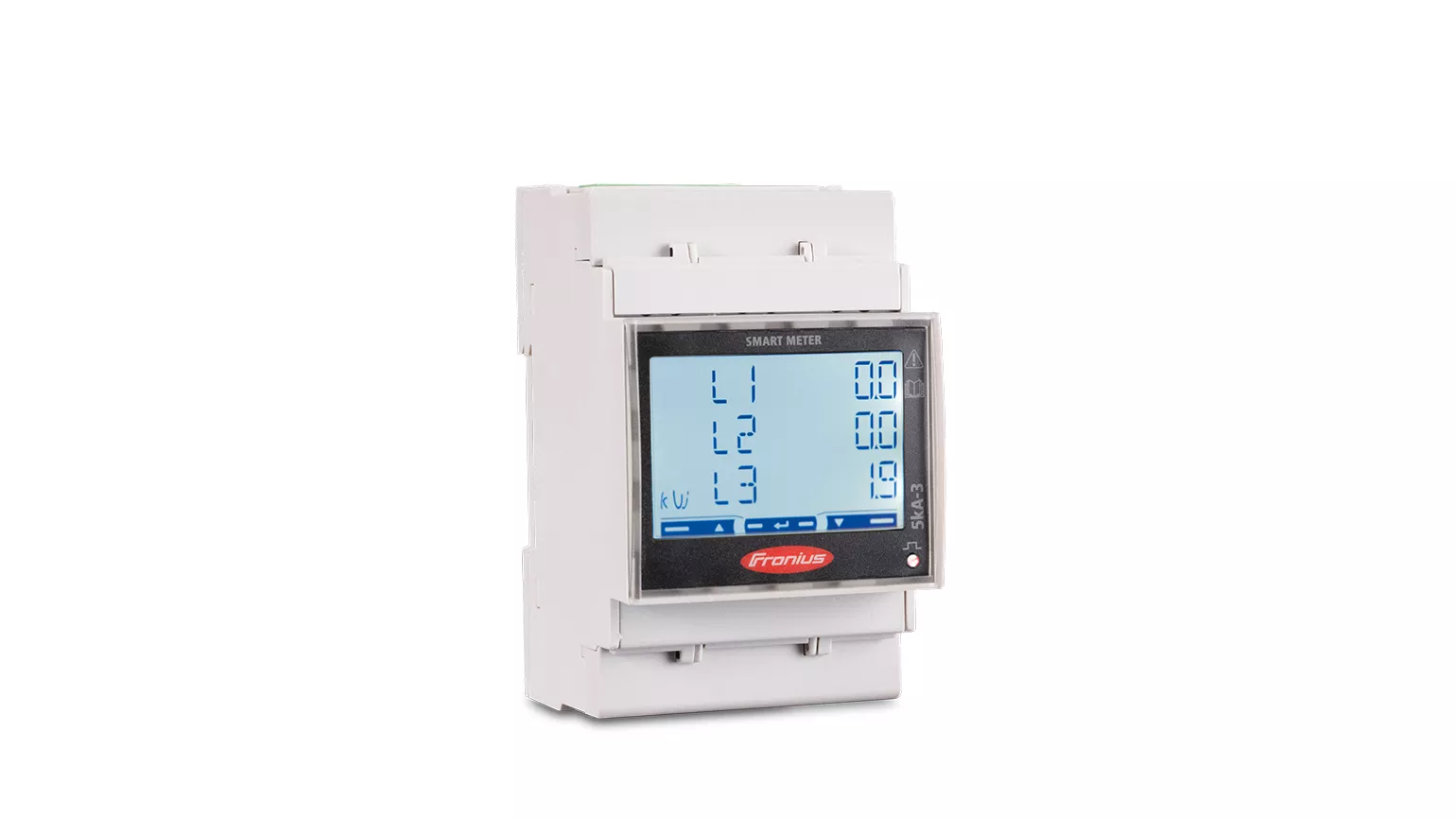
- Fronius Smart Meter
- Fronius Smart Meter WR operating instructions
- Emporia: Developer Access and Future Integrations
- OpenEnergyMonitor MQTT documentation