IAMMETER Local: The Self-Hosted Option for Users Who Want the Data on Their Own Box
When people search for IAMMETER Local, the product that matters today is IAMMETER-Docker, not the older LAN viewer tools from early IAMMETER manuals.
IAMMETER-Docker is IAMMETER's self-hosted monitoring service. It runs on your own hardware, stores and serves data locally, exposes its own REST API, and can still forward data to IAMMETER Cloud if you want both local control and remote visibility.
That makes it a practical middle ground between two extremes: a closed vendor cloud on one side, and a completely DIY stack that you have to design from scratch on the other.
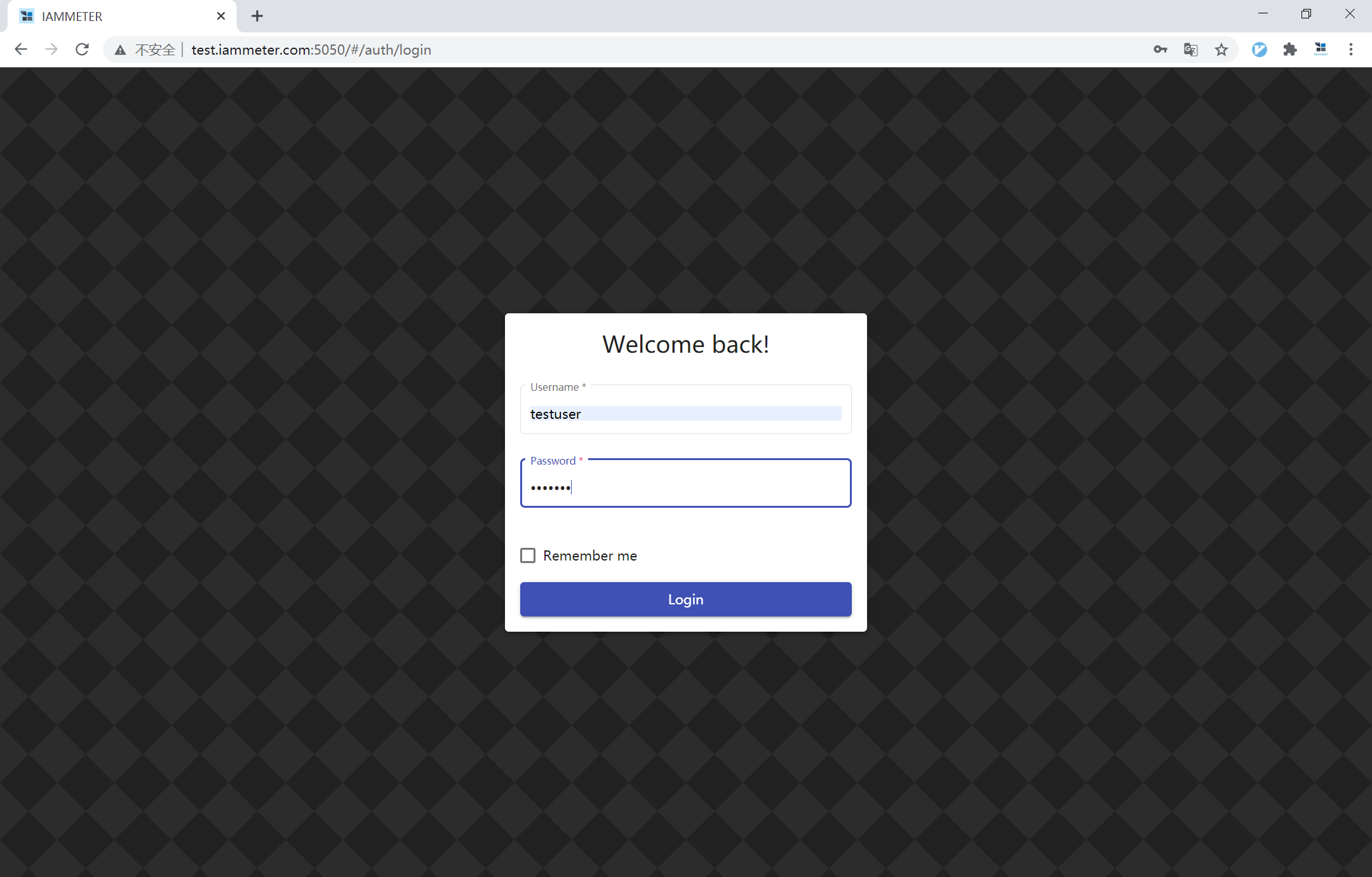
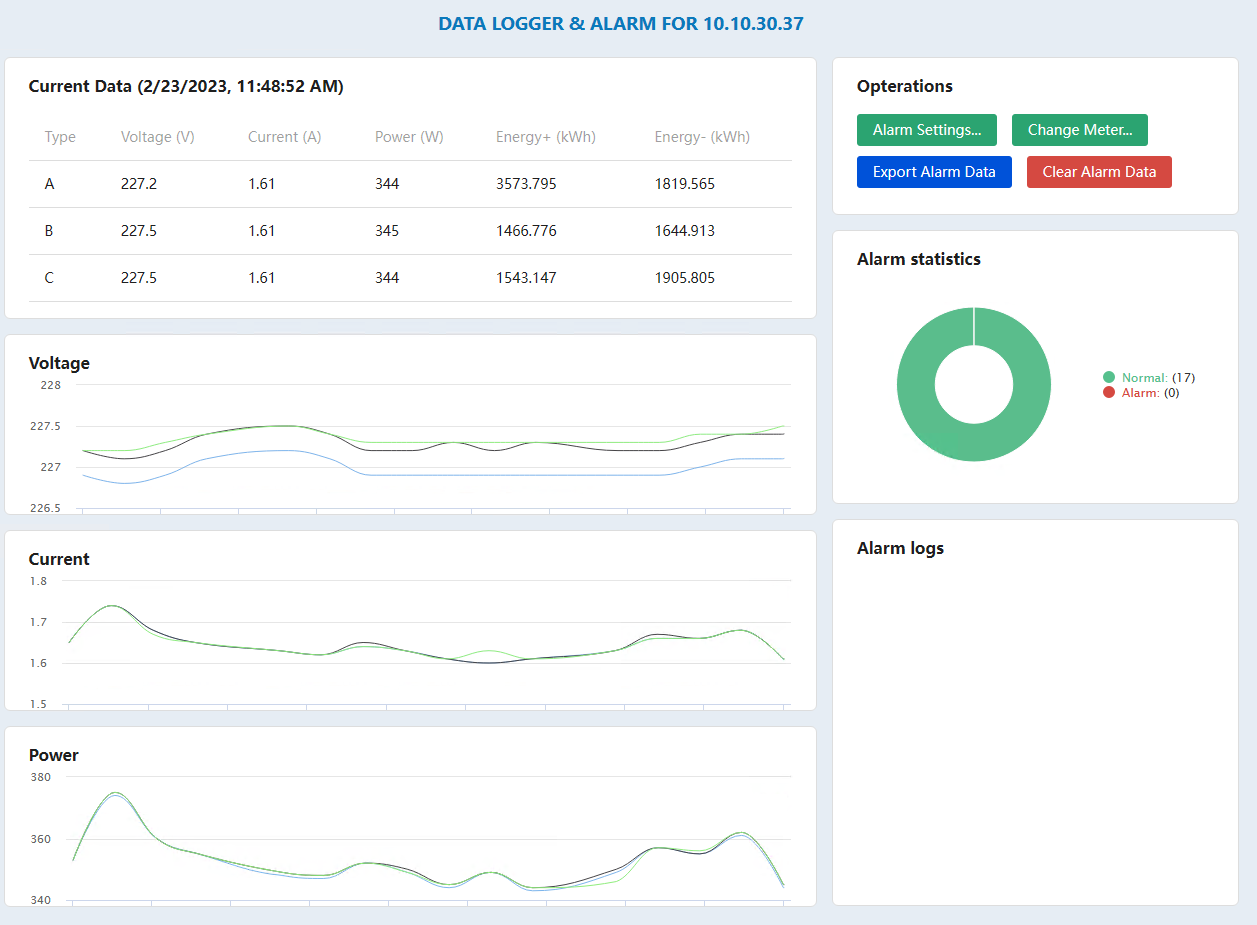
Official IAMMETER-Docker login screen. This is a real local web service, not just a desktop viewer reading the meter over LAN.
Why users choose IAMMETER Local
| What users want | What IAMMETER Local gives them | Why it matters in practice |
|---|---|---|
| Keep monitoring data on-site | Self-hosted deployment on Raspberry Pi or other personal servers | Better fit for privacy-sensitive sites or anyone who wants data under local control |
| Build around an API instead of a fixed app | A RESTful backend with built-in documentation | Easier to connect into custom dashboards, scripts, or plant-level systems |
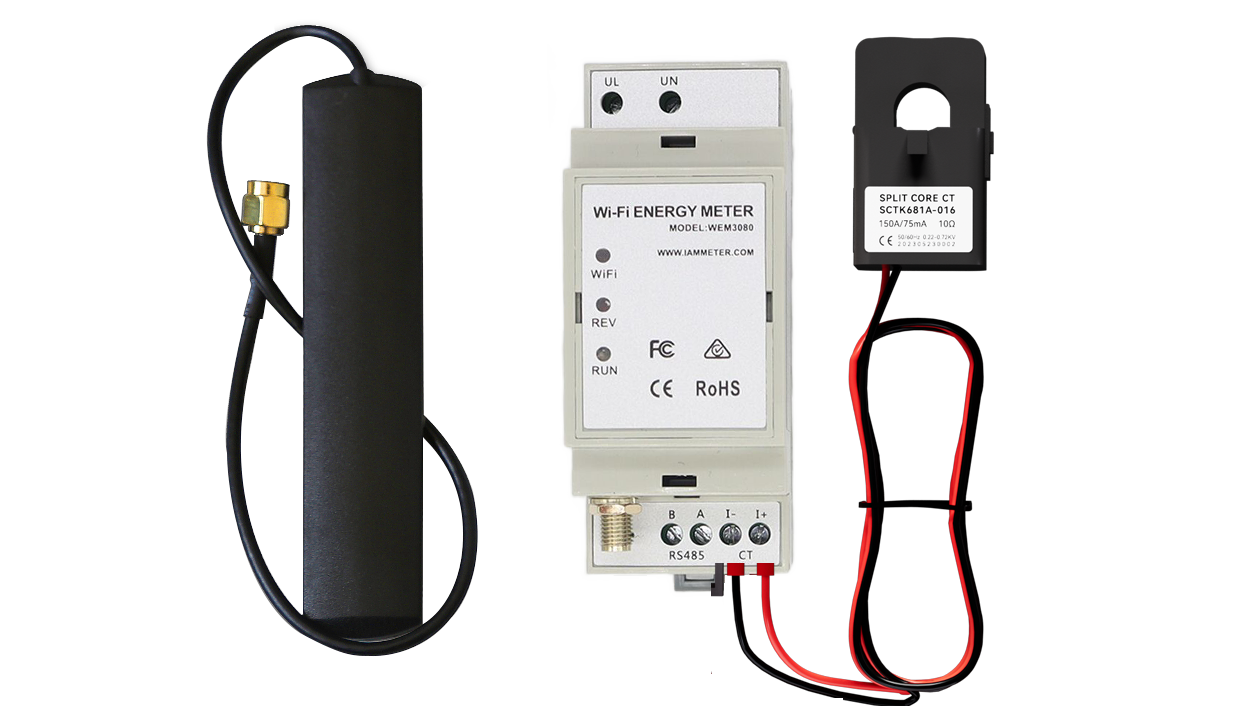
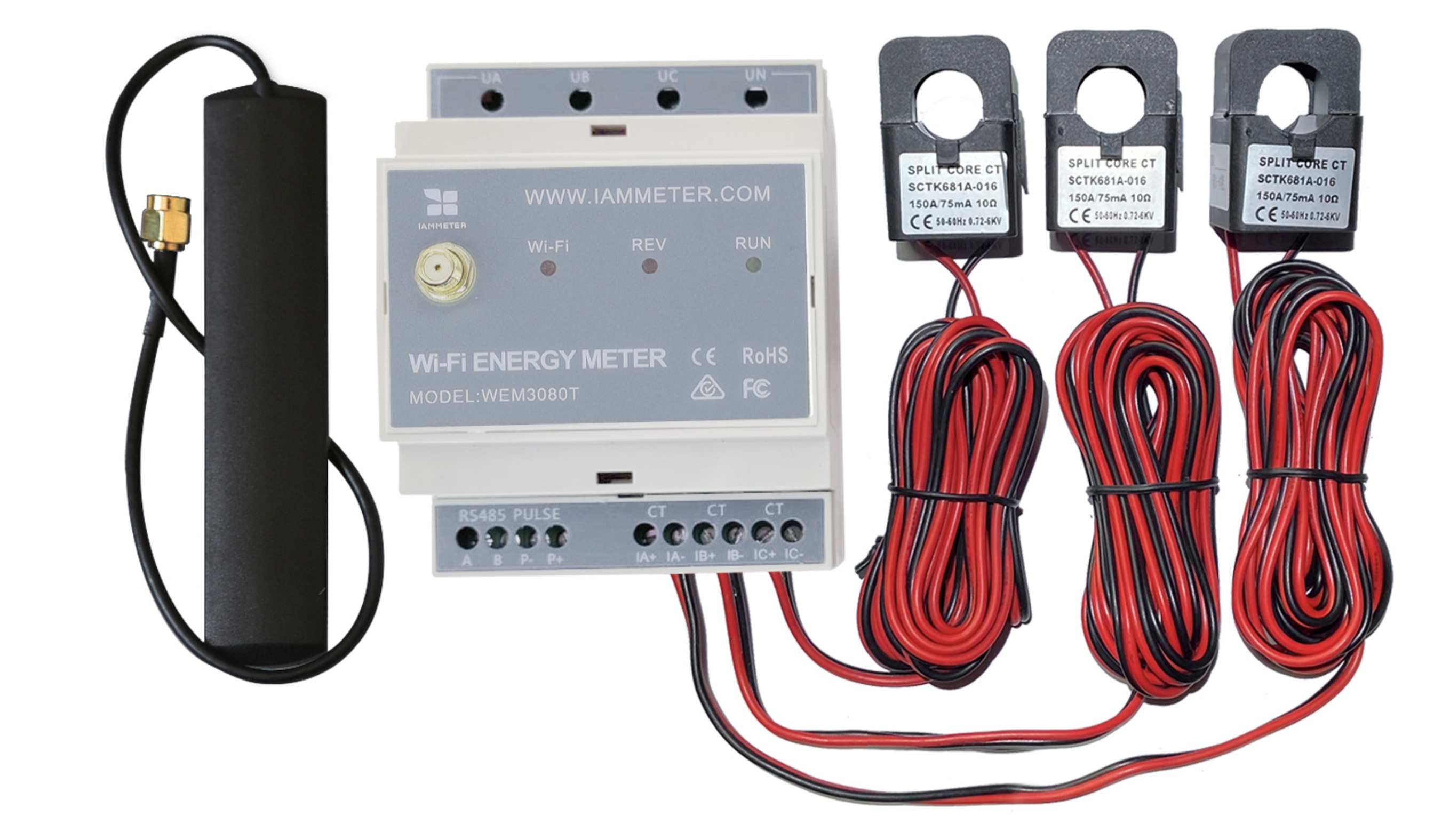
| Use IAMMETER hardware without giving up flexibility | Native support for IAMMETER meters plus API-based uploads | You can start with IAMMETER hardware and still grow into custom workflows |
| Keep one local stack but still use the cloud later | Optional forwarding to IAMMETER Cloud | Useful when you want a local source of truth and remote access at the same time |
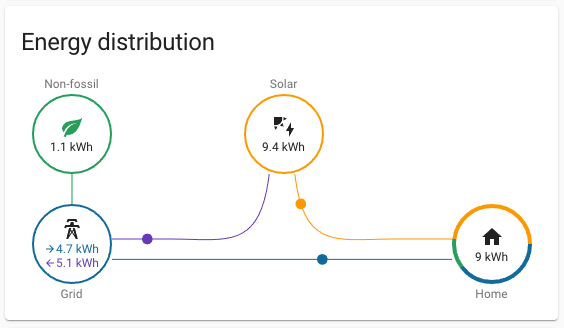
| Monitor more than one kind of source | Suitable for residential electricity and solar PV scenarios | Better than a narrow single-purpose logger |
| Avoid building everything from zero | A ready-made local dashboard, place model, and upload endpoint | Faster to deploy than stitching together database, API, and UI yourself |
The deployment details that actually matter
IAMMETER's official Docker guide includes a few concrete details that are worth calling out because they shape the user experience more than marketing claims do.
| Item | Official detail | Why it matters |
|---|---|---|
| Deployment target | Personal servers such as Raspberry Pi, with support for some open-source router systems | It is realistic for home labs and light commercial setups, not just x86 servers |
| Default web/API port | 5050 |
Easy to remember and easy to reverse-proxy if needed |
| Meter upload endpoint | your-url:5050/api/v1/sensor/uploadsensor |
This is the endpoint IAMMETER meters can post to in HTTP mode |
| API docs URL | http://<docker-ip>:5050/docs |
Helpful because the local stack is discoverable and testable without separate docs hunting |
| Data source options | Original IAMMETER meter SN or a custom SN uploaded by API | You are not forced into one hardware path |
| Cloud forwarding | Optional | Useful if you want local retention plus IAMMETER Cloud dashboards |
IAMMETER's own guide also shows default credentials of testuser / 123456 for first login. That is worth mentioning for one reason only: if you deploy it, change the password immediately.
It is more than a local dashboard
The best reason to run IAMMETER Local is not the charting alone. It is the fact that IAMMETER-Docker acts as a local backend.
The official documentation describes it as a system for:
- data collection
- visualization
- API services
- custom dashboard development
- third-party integration
- advanced analytics and automation use cases
That is a materially different pitch from a typical vendor "local mode." In many products, local mode means a small viewer with limited export. Here, the documented /docs endpoint and upload API make it possible to use IAMMETER-Docker as a local energy data service.
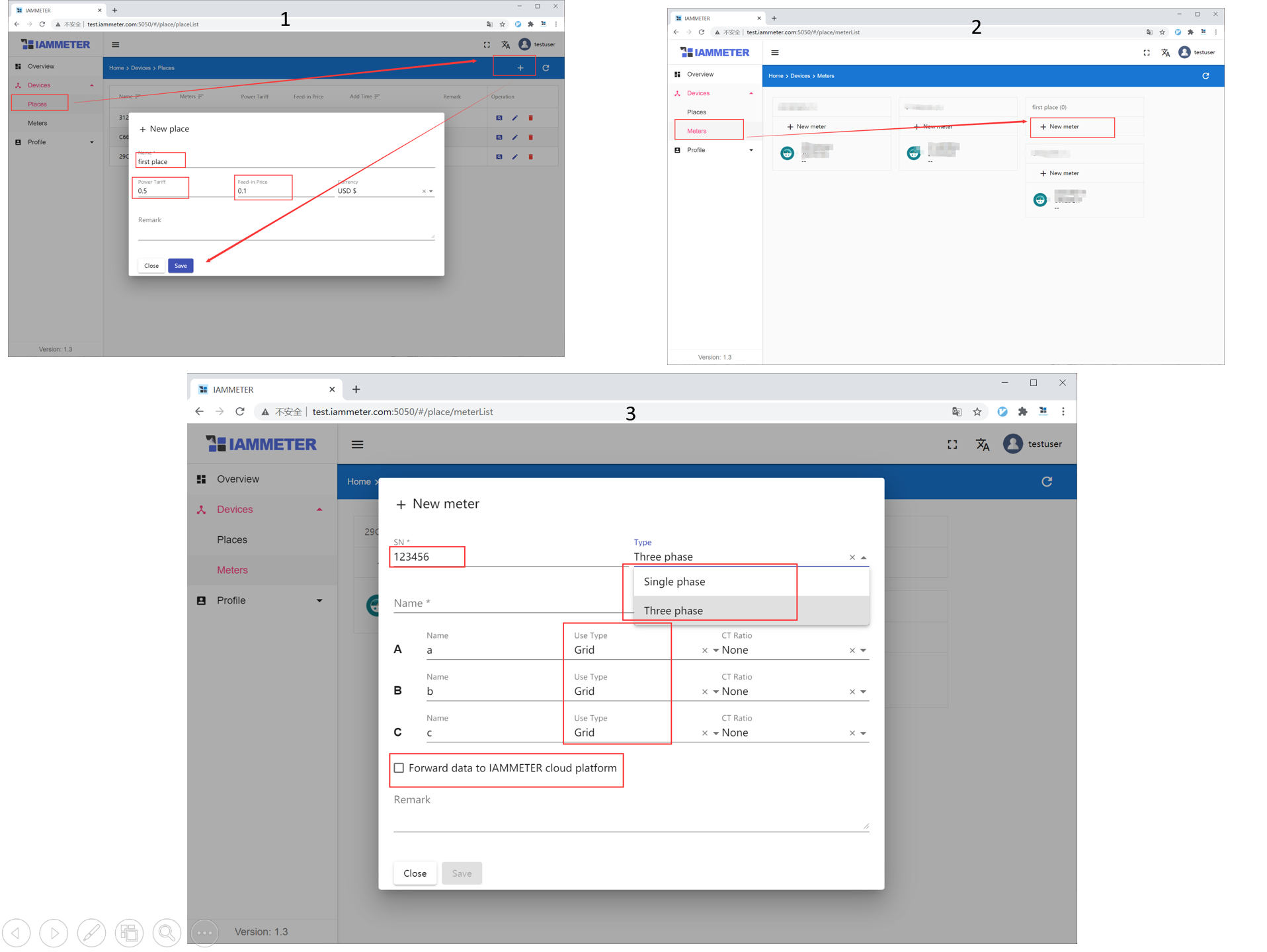
Official IAMMETER-Docker meter configuration screen. The setup is built around places, meters, and upload rules rather than a single fixed dashboard.
A useful setup pattern: local first, cloud optional
IAMMETER's Docker documentation explicitly supports forwarding data to IAMMETER Cloud while keeping the local deployment in place. That is a sensible design choice.
It means you can use IAMMETER Local as the on-site collector and still:
- keep a local API for your own tooling
- hold data on your own hardware
- let IAMMETER Cloud handle remote viewing and higher-level reports
- avoid choosing between "only cloud" and "only local" on day one
For users with unreliable internet, this is also easier to live with than relying on a cloud-only dashboard.
What it does better than the cloud version
IAMMETER Local is the better choice when the priority is:
- private, on-prem data handling
- API-driven integration into your own software
- running custom dashboards or automation against a local source
- using IAMMETER hardware alongside custom uploaded data
- keeping the stack alive even when you do not want the cloud to be the only copy
What it does not hide from you
There is a tradeoff, and it is worth being direct about it.
If you choose IAMMETER Local, you are also choosing to maintain a service. You need to think about:
- container lifecycle and updates
- local backups
- network exposure and authentication
- hardware reliability on the box that runs Docker
If you do not want that responsibility, IAMMETER Cloud will usually be the easier fit.
Bottom line
IAMMETER Local is not the right choice because it is "local" in the abstract. It is the right choice when you want a self-hosted energy monitoring backend with a real API, a clear upload path, and the option to keep IAMMETER Cloud as a second layer instead of the only layer.
That makes it appealing to tinkerers, integrators, and site owners who want more control than a typical vendor portal gives them, but less setup work than building a full monitoring stack from zero.