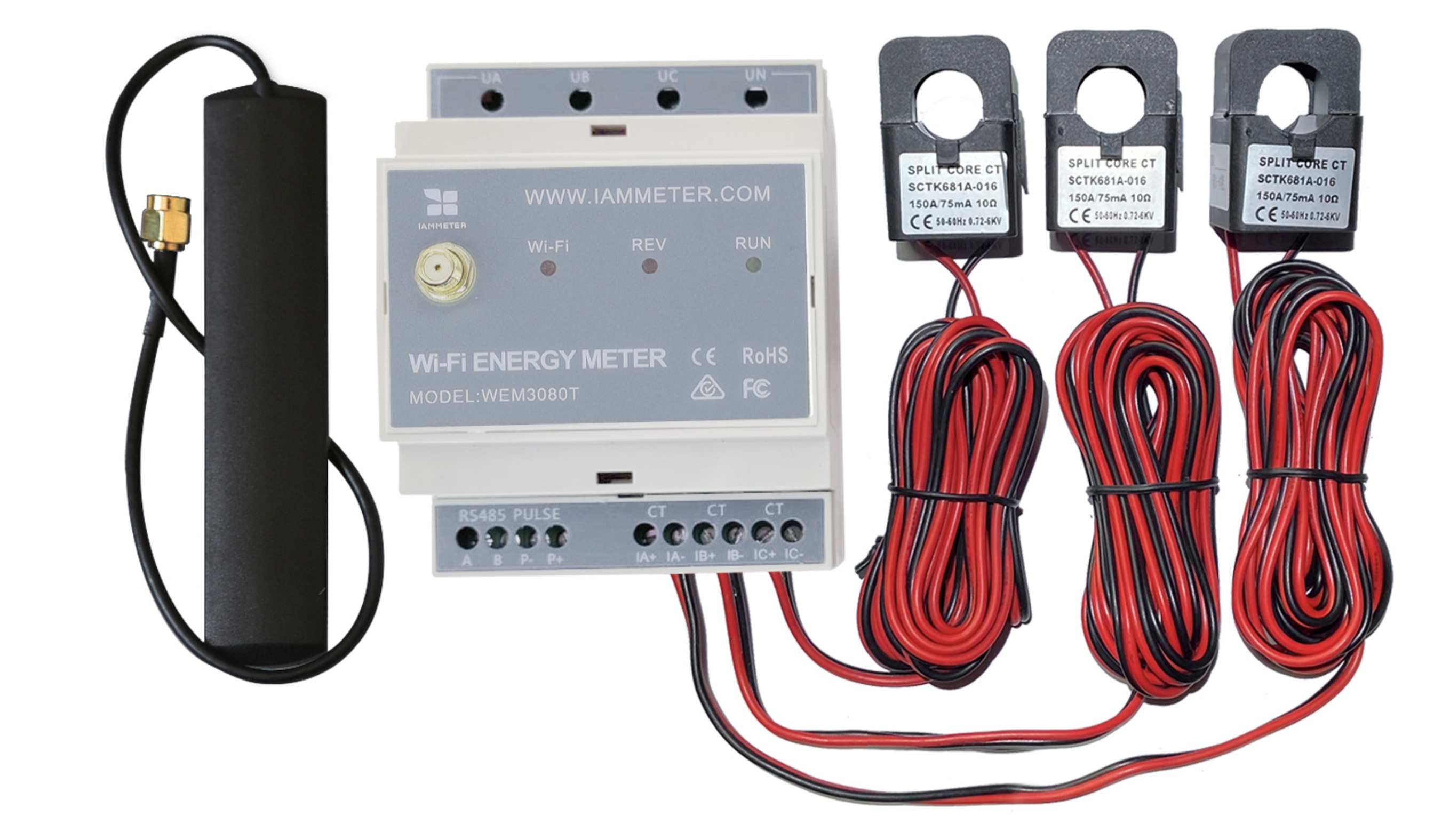
IAMMETER Cloud: Best When You Want Analysis Without Running Your Own Server
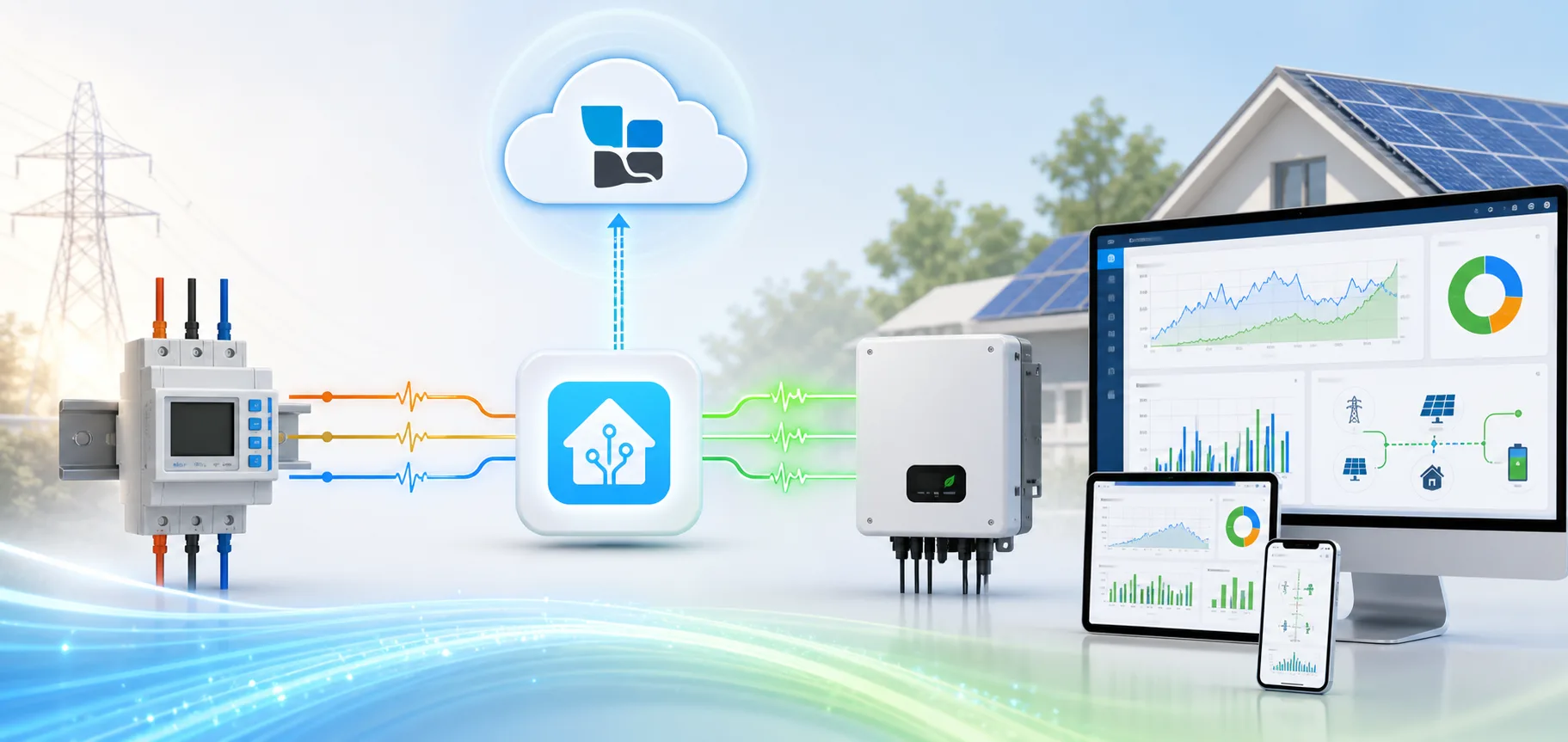
IAMMETER Cloud is the hosted software layer behind IAMMETER meters. In practice, that means you do not just get raw power readings. You get live dashboards, historical records, tariff-based billing, solar self-consumption analysis, alerts, and remote access from a browser or mobile app.
For homeowners, the value is simple: it turns a meter into something you can actually use to answer real questions. Why was the bill high this month? How much solar did I use directly? Is export revenue covering enough of the import cost? Did a site go offline, or is the array just underperforming today?
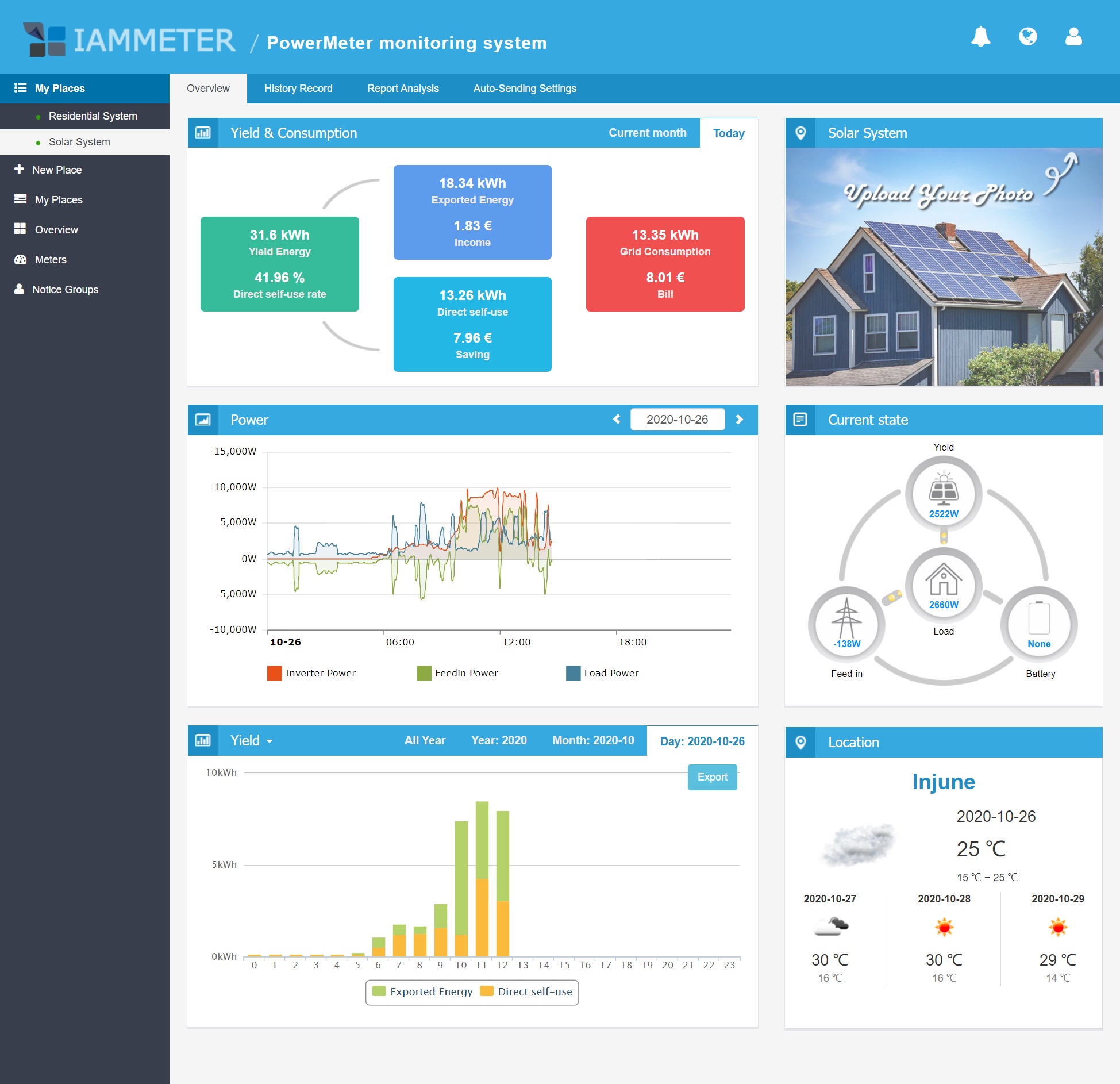
Official IAMMETER Cloud solar PV overview screen. It puts yield, export, self-use, load, and daily bill data on one page instead of splitting them across several menus.
What users actually get
| What users want to know | What IAMMETER Cloud shows | Why that matters in daily use |
|---|---|---|
| "What is the house using right now?" | Real-time power, voltage, current, and energy views | Good for spotting unusual loads, missed shutoffs, or a circuit that is drawing more than expected |
| "Is my solar actually helping?" | Generation, grid import, export, self-consumption, and solar income | Easier to judge whether the system is offsetting usage or just feeding the grid cheaply |
| "Why does the bill keep moving?" | Tariff-aware billing reports with fixed, tiered, and time-of-use rates | Lets you connect usage behavior to cost instead of staring at kWh totals |
| "Can I check more than one site?" | Multi-site rollups through Virtual Site | Useful for installers, landlords, workshops, offices, or anyone with more than one IAMMETER-monitored location |
| "Can it warn me before something goes wrong?" | Email alerts, offline alerts, webhook, and MQTT actions in Pro | More practical than finding out a meter stopped uploading days later |
| "Can it work with EV charging?" | OCPP-based EV charging workflows around solar surplus | Helpful if the goal is to absorb midday solar instead of exporting it at a low feed-in rate |
The part that usually matters most: billing and solar math
Many monitoring apps are fine at graphs but weak at money. IAMMETER Cloud is stronger here than it first appears.
The official Cloud Pro feature page lists tariff customization, billing and income reports, total savings reports, and bill forecasting as core functions. That matters because users usually make decisions in dollars, not just in watt-hours. If the export tariff is low and evening import is expensive, the platform makes that tradeoff visible instead of leaving it buried in spreadsheets.
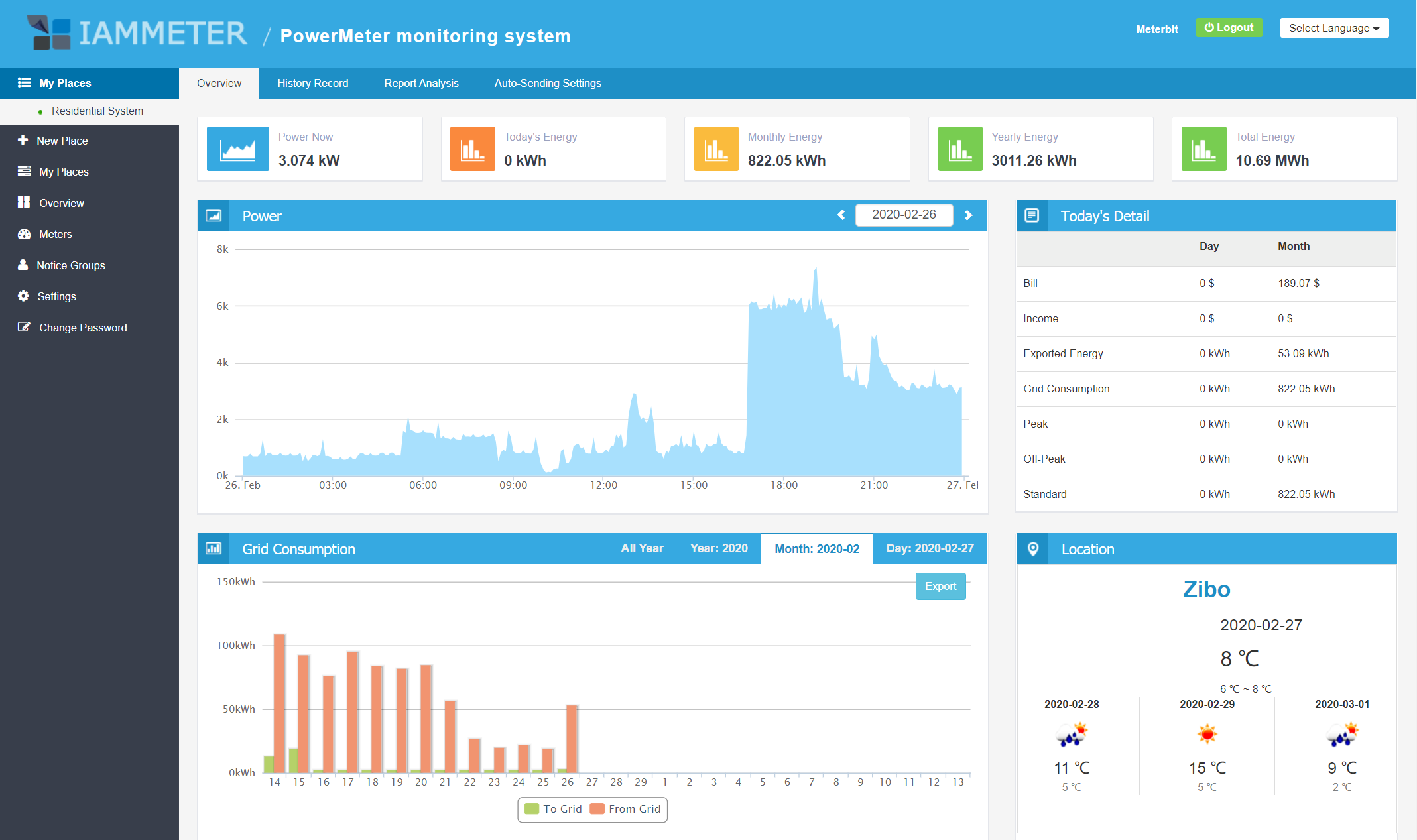
Official IAMMETER Cloud residential dashboard. The useful part is not the chart alone, but that the power view, monthly totals, bill estimate, and weather context sit together.
Basic vs Pro: the differences worth knowing
As of April 1, 2026, IAMMETER still points users to its April 29, 2025 comparison page for IAMMETER-Cloud Basic versus IAMMETER-Cloud Pro. The official table shows the gap is not cosmetic.
| Category | Basic | Pro | What it means for buyers |
|---|---|---|---|
| Upload frequency | 5 minutes | 1 minute | Pro is better when you care about faster trend changes and short-duration load events |
| Real-time data storage | 1 month | 6 months | Pro keeps much more recent high-resolution data available |
| Energy data storage | 1 month | Unlimited | Important if you want year-over-year comparisons |
| Bill data storage | 1 month | Unlimited | Pro is better for long billing history and seasonal analysis |
| Monthly bill forecast | No | Yes | Useful for mid-cycle bill tracking instead of waiting for the utility statement |
| Multi-month bill report | No | Yes | Better for finding whether tariff changes or habit changes are working |
| Battery simulation and billing analysis | No | Yes | Helpful for users thinking about storage rather than buying blind |
| Hourly energy consumption analysis | No | Yes | Better for finding peaks, baseload issues, and expensive time windows |
| Abnormal data analysis | No | Yes | Useful for fault-finding and cleanup |
| Demand charges analysis | No | Yes | Relevant for commercial or demand-based tariffs |
| Offline analysis | No | Yes | Helps explain missing or broken data rather than hiding it |
| Email, webhook, MQTT in Auto Sending | No | Yes | Pro is the real choice if you want alerts or automation |
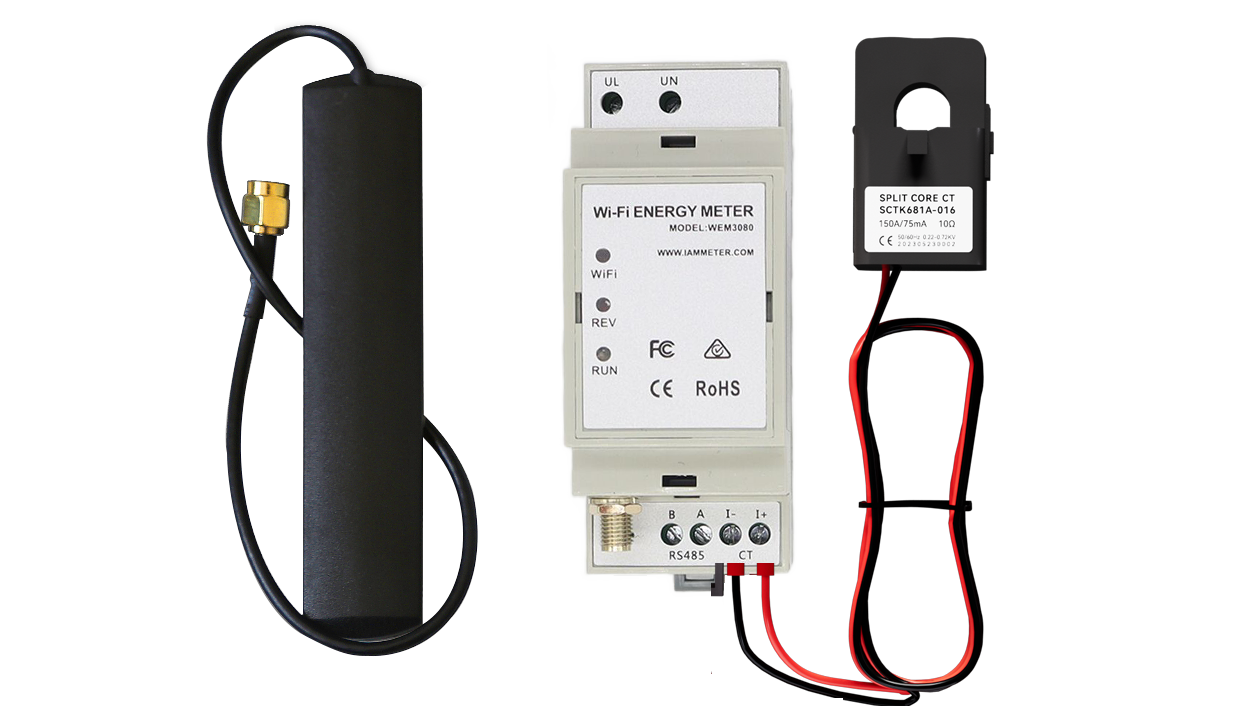
IAMMETER's own release note also states that Basic is exclusive to WEM3050T, while WEM3080, WEM3080T, WEM3080TD, and WEM3046T continue to include Pro by default. That is a meaningful buying difference, not a marketing footnote.
Virtual Site is one of the underrated features
If you only have one home meter, the standard dashboard is enough. If you have multiple places, sub-meters, or several solar sites, the Virtual Site feature is where IAMMETER Cloud becomes more than a homeowner app.
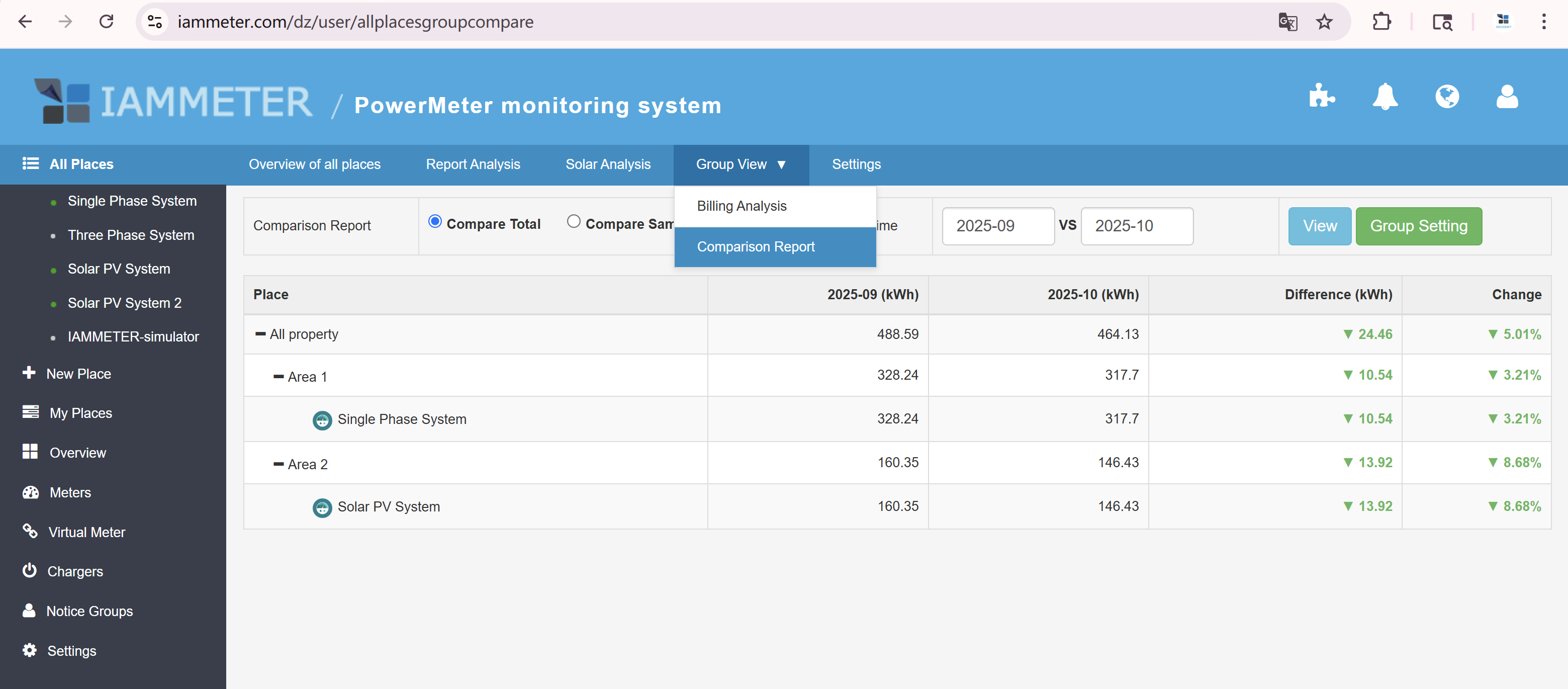
According to IAMMETER's official Virtual Site documentation, the platform can:
- group multiple places into a tree structure
- aggregate power, energy, billing, and solar data at the parent level
- drill down from the parent into sub-sites
- compare performance across multiple PV systems
- export results as CSV or Excel
- retrieve aggregated data through the IAMMETER Cloud API
This is useful for small portfolios that are too simple for a full commercial EMS but too messy for a single-site app. A landlord with several units, an installer tracking multiple customer demo systems, or a workshop plus office on separate meters can view them as one energy tree instead of opening each place one by one.
Alerts and automation are more practical than they sound
IAMMETER's alert documentation fills in details that are easy to miss on the product page.
- Offline alerts can trigger when no data is uploaded for more than 10 minutes.
- Email alerts are supported through notice groups.
- The platform documents Webhook output for ERP systems, monitoring systems, and custom dashboards.
- IAMMETER recommends MQTT for automation workflows such as turning on a smart socket when solar export exceeds a threshold.
- To avoid spammy alerts, the official guide lists a minimum interval of 30 minutes for level triggers and 1 minute for edge triggers.
That is the kind of detail users actually need. "Supports alerts" is vague. "Can email you after 10 minutes of missing uploads and can drive webhook or MQTT actions" is useful.
Where IAMMETER Cloud fits best
IAMMETER Cloud makes the most sense if you want:
- remote access without maintaining a Raspberry Pi or NAS
- solar self-consumption and export analysis in one dashboard
- tariff-aware billing instead of raw kWh logging
- alerting and automation hooks without building your own backend
- multi-site rollups that are still understandable to a normal user
It is a weaker fit if your first priority is fully local data retention or if you already have a strong self-hosted stack and only need a raw data feed.