Device Comparison
Shelly Pro 3EM vs Shelly Pro 3EM-3CT63 vs Shelly Pro 3EM-400 vs SMA Energy Meter
A solar-aware three-phase meter comparison for buyers balancing Shelly local flexibility against SMA ecosystem alignment.
Free Compare
Build your own comparison
Which To Choose
Start with the practical fit, then read the table.
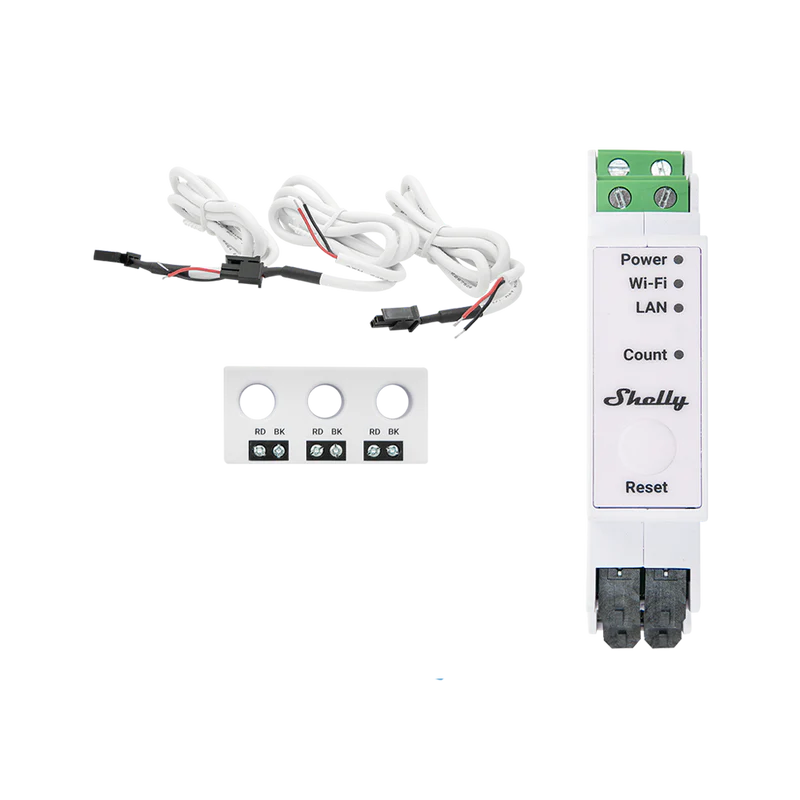
Shelly Pro 3EM-3CT63
Best fit when single-phase or three-phase installations; 100-260 V AC, 50/60 Hz supply and voltage inputs., solar import/export visibility, and local dashboards and Home Assistant.
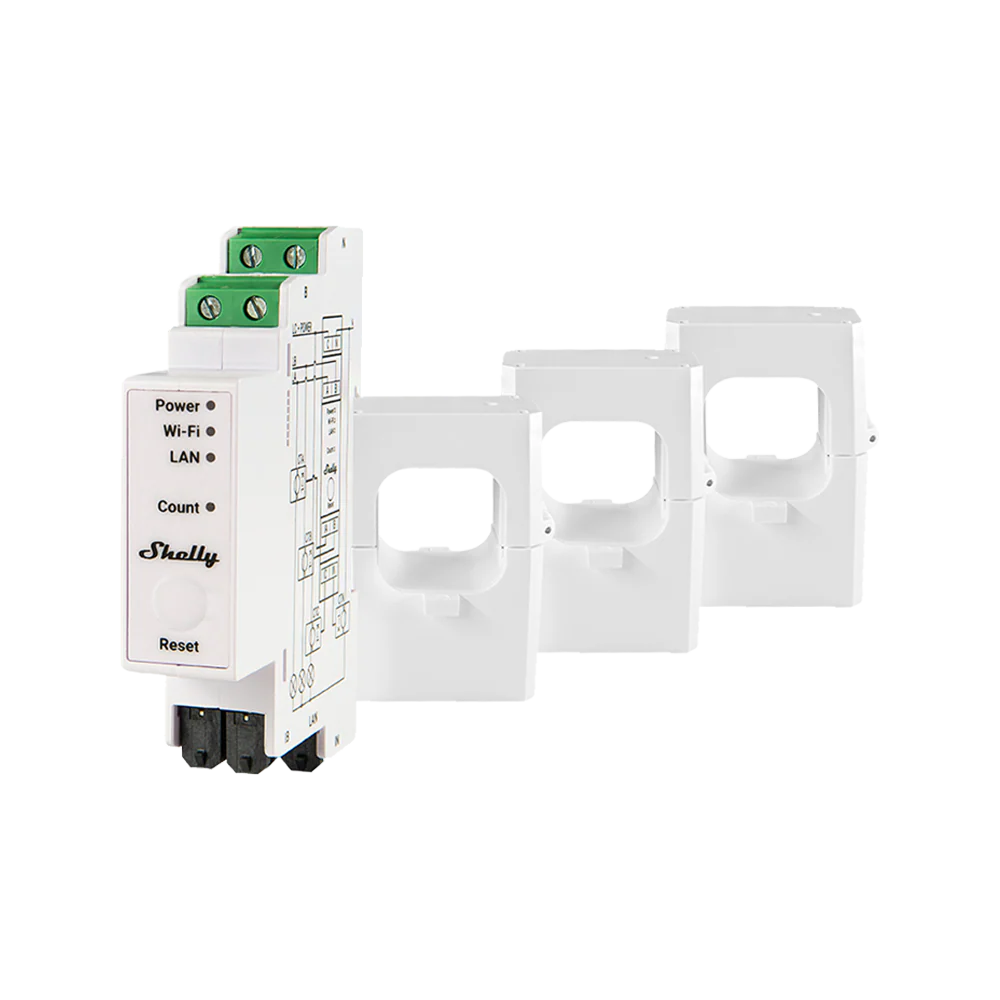
Shelly Pro 3EM-400
Best fit when single-phase or three-phase four-wire monitoring; 110-240 V AC supply, 100-260 V RMS per-phase measurement, 50/60 Hz., solar import/export visibility, and local dashboards and Home Assistant.
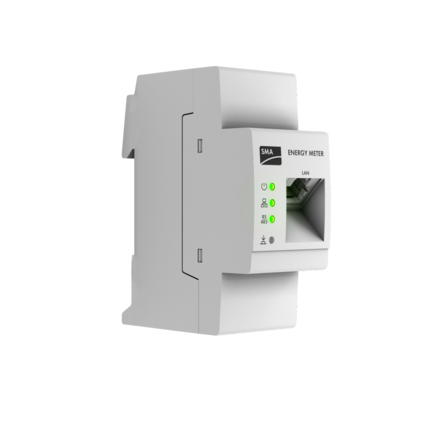
SMA Energy Meter
Best fit when 120/240 V split-phase; 208 V 3-phase with a third CT and L3 voltage conductor; not 3-phase 480 V., solar import/export visibility, and local data access.
Use this comparison when the site needs a three-phase meter and the real choice is between flexible Shelly Pro hardware and a meter designed to sit more naturally inside an SMA solar system.
At A Glance
Key fit signals before the full table
A quick pass over the most decision-shaping details for each device in this featured comparison.
Shelly Pro 3EM-3CT63
- Phase
- Single-phase or three-phase installations; 100-260 V AC, 50/60 Hz supply and voltage inputs.
- Installation
- DIN-rail panel installation with the included 3CT63 combined non-contact CT; professional electrical installation is recommended.
- Measurement
- CT-based single- or three-phase four-quadrant metering of import/export active energy, apparent energy, voltage, current, power and power factor.
- Max current
- 63 A
Shelly Pro 3EM-400
- Phase
- Single-phase or three-phase four-wire monitoring; 110-240 V AC supply, 100-260 V RMS per-phase measurement, 50/60 Hz.
- Installation
- DIN-rail mounted electrical-panel energy meter using external current transformers; intended for qualified installation.
- Measurement
- CT-based three-phase / multi-circuit energy meter measuring voltage, current, active/apparent power, accumulated energy, and 4-quadrant import/export energy.
- Max current
- 400 A
SMA Energy Meter
- Phase
- 120/240 V split-phase; 208 V 3-phase with a third CT and L3 voltage conductor; not 3-phase 480 V.
- Installation
- Main-service-panel retrofit downstream of utility meter; included magnetic/duct-tape mounting adapter and clamp CTs; qualified-person installation.
- Measurement
- CT-based current, voltage, power factor, frequency, and active/reactive/apparent power and energy; import/export monitoring; not utility billing.
- Max current
- 200 A
Before You Decide
Checks that matter before price.
- Confirm your supply type first: single-phase, split-phase, or three-phase.
- Decide whether DIN-rail wiring, CT clamps, or utility-meter access fits your switchboard.
- Choose between cloud convenience and local data access before comparing prices.
- For solar homes, make sure import, export, and load readings are measured at the right point.
| Install fit | |||
|---|---|---|---|
| Phase support | Single-phase or three-phase installations; 100-260 V AC, 50/60 Hz supply and voltage inputs. | Single-phase or three-phase four-wire monitoring; 110-240 V AC supply, 100-260 V RMS per-phase measurement, 50/60 Hz. | 120/240 V split-phase; 208 V 3-phase with a third CT and L3 voltage conductor; not 3-phase 480 V. |
| Installation | DIN-rail panel installation with the included 3CT63 combined non-contact CT; professional electrical installation is recommended. | DIN-rail mounted electrical-panel energy meter using external current transformers; intended for qualified installation. | Main-service-panel retrofit downstream of utility meter; included magnetic/duct-tape mounting adapter and clamp CTs; qualified-person installation. |
| Measurement | CT-based single- or three-phase four-quadrant metering of import/export active energy, apparent energy, voltage, current, power and power factor. | CT-based three-phase / multi-circuit energy meter measuring voltage, current, active/apparent power, accumulated energy, and 4-quadrant import/export energy. | CT-based current, voltage, power factor, frequency, and active/reactive/apparent power and energy; import/export monitoring; not utility billing. |
| Max current | 63 A | 400 A | 200 A |
| Meter fit | |||
| Accuracy class | Class B active energy; +/-1% current accuracy from 2-63 A. | Class B active energy; 1% design-validated measurement accuracy. | Full-scale accuracy: current 1.5%; voltage 0.5%; active energy 2.0%. |
| Current sensing | Included combined 3CT63 non-contact three-phase CT assembly, rated 0-63 A with a 9 mm conductor aperture. | Three included CT-400A transformers cover phases A/B/C up to 400 A; a fourth CT input can measure neutral current, but the neutral CT is optional and not included. | Two 200 A clamp-on CCT1U CTs are included for 120/240 V split-phase service; supported 208 V three-phase service requires an additional third CT and L3 voltage conductor. |
| Monitoring | |||
| Protocol | Ethernet / Wi-Fi / Bluetooth / Modbus TCP / MQTT / RPC / HTTP / WebSocket / KNXnet/IP | Ethernet / Wi-Fi / Bluetooth / MQTT / HTTP / WebSocket / RPC / Modbus | 10/100 Ethernet: SMA Energy Meter Protocol / Speedwire and Modbus TCP; RS-485: Modbus RTU |
| Local API | Yes | Yes | Yes |
| Cloud dependency | Shelly Cloud is optional; local LAN/Wi-Fi, web UI, RPC, Modbus, MQTT, HTTP, WebSocket and Home Assistant operation do not require cloud. | Shelly Cloud optional; standalone LAN/Wi-Fi, local APIs, and Home Assistant work without cloud. | Local LAN or RS-485 operation does not require cloud. Remote app monitoring uses SMA Energy App and Sunny Portal/ennexOS. |
| Home Assistant | Yes | Yes | No |
| Solar fit | |||
| Solar import/export | Yes | Yes | Yes |
| Buying context | |||
| Price range | About USD 150.99 | About USD 329.99 | Unknown |
| Availability | United States and European Union through official Shelly stores; other regional and distributor availability varies. The official Asia storefront showed unavailable on 2026-09-27. | United States and Europe through official Shelly stores; availability, price, tax, delivery and electrical compliance vary by country. | United States and Canada only for the EMETER-US-50 / ES103 LR CCT1U variant; purchase is through SMA authorized distributors. |
| Source check | |||
| Last verified | Sep 27, 2026 | Sep 23, 2026 | Sep 19, 2026 |
| Product page | Official page | Official page | Official page |
| Documentation | Official docs | Official docs | Official docs |
Verdict
Choose the Shelly Pro line for local protocols and CT flexibility, and SMA Energy Meter when inverter ecosystem fit matters more than general-purpose automation options.
FAQ
Common decision questions.
Which energy meter should I choose?
Choose the option that matches your installation constraints and data path first. For 3 energy meter options, the full table is most useful after you know whether local data access, cloud convenience, backup behavior, solar visibility, or expansion matters most.
What should I check before comparing prices?
Check installation fit, required accessories, official documentation, monitoring platform support, and any unknown fields in the source-checked table. Price is only useful once those constraints are clear.
Can these devices work with local dashboards or Home Assistant?
Shelly Pro 3EM-3CT63, Shelly Pro 3EM-400 list Home Assistant support in the catalog. Shelly Pro 3EM-3CT63, Shelly Pro 3EM-400, SMA Energy Meter are marked with local API support. Confirm firmware, region, and integration maturity before treating this as a final compatibility guarantee.
Are unknown fields a reason to avoid a device?
Not always. Unknown means the field was not confirmed from the reviewed source data. Treat it as a question for the installer, reseller, or manufacturer before making a purchase decision.
Does the verdict replace the specification table?
No. The verdict is a practical shortcut. Use the table to confirm the exact constraints that matter for your home, especially installation, monitoring, and support details.