Device Comparison
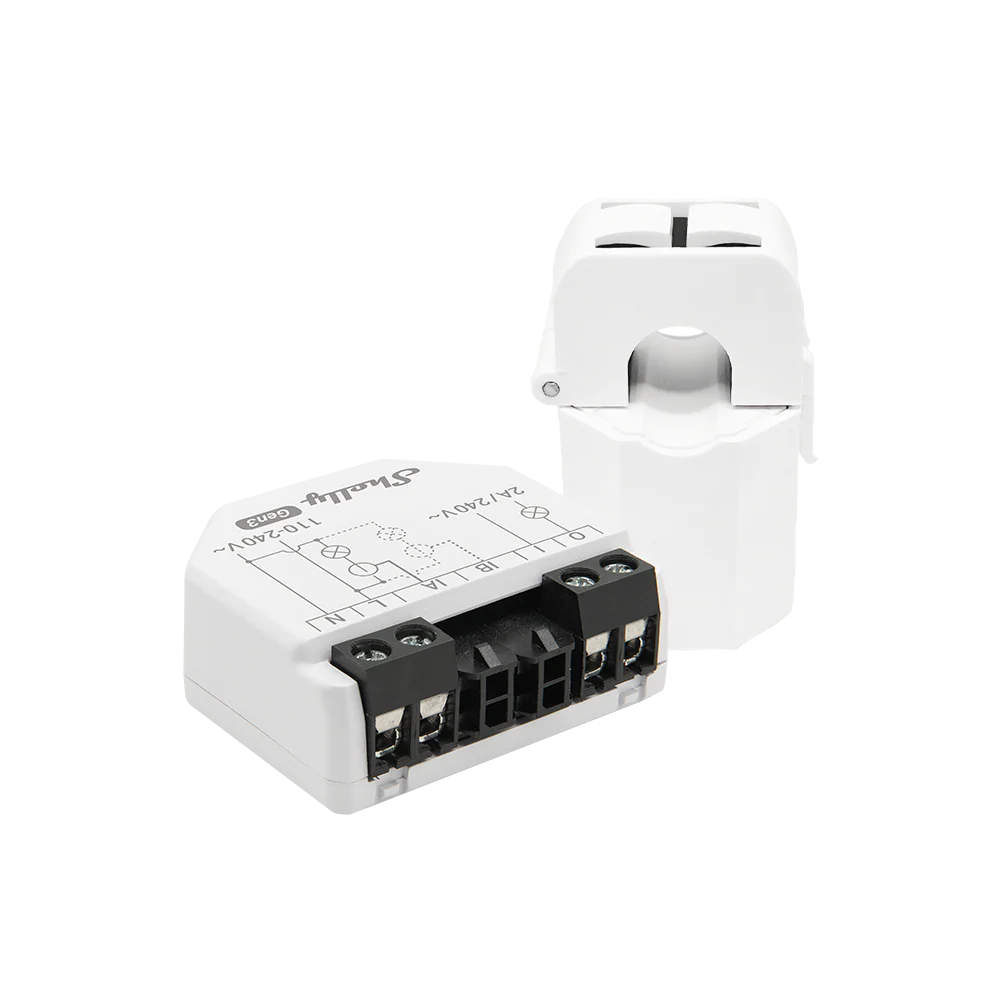
Shelly EM vs Shelly EM Gen3 vs Shelly Pro EM-50
Compare 3 energy meter options by installation fit, monitoring, local data access, source-checked specs, and buying context.
Free Compare
Build your own comparison
Which To Choose
Start with the practical fit, then read the table.
Shelly EM
Best fit when single-phase, two-channel monitoring, solar import/export visibility, and local dashboards and Home Assistant.
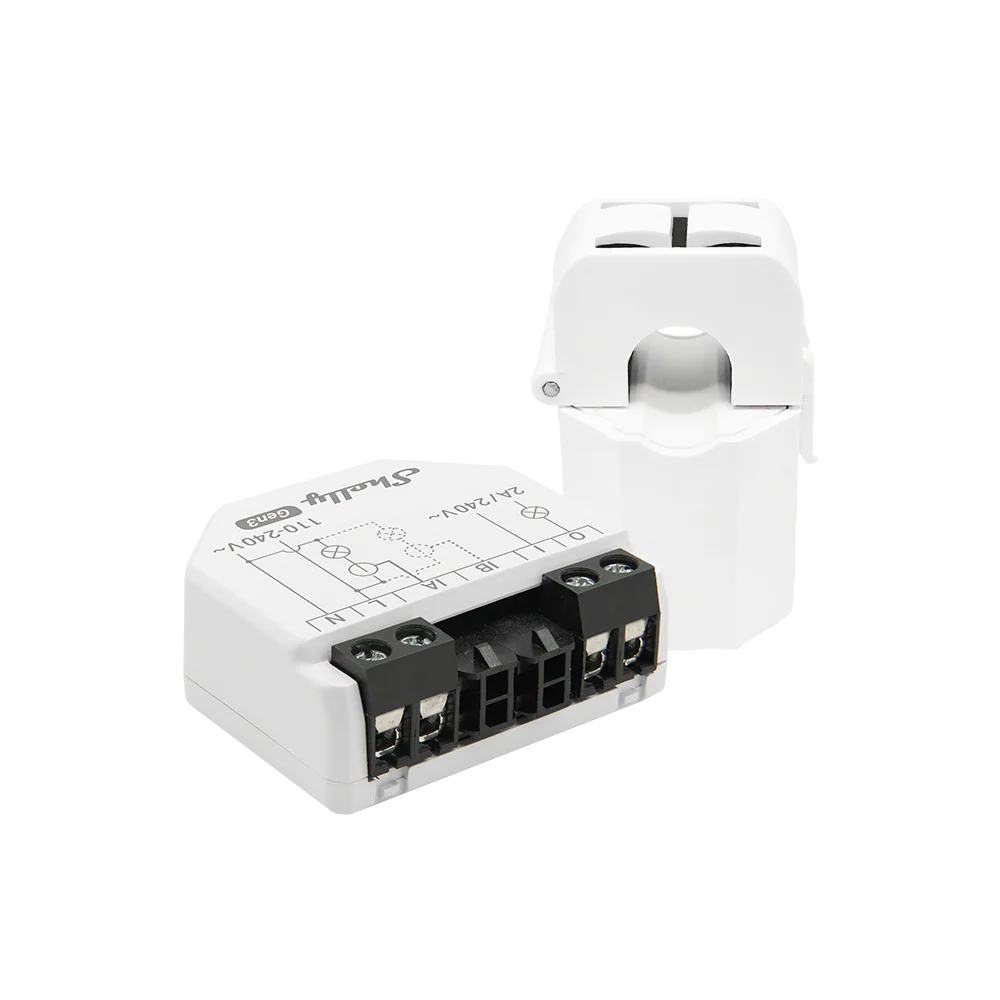
Shelly EM Gen3
Best fit when single-phase monitoring, with two current measurement channels, solar import/export visibility, and local dashboards and Home Assistant.
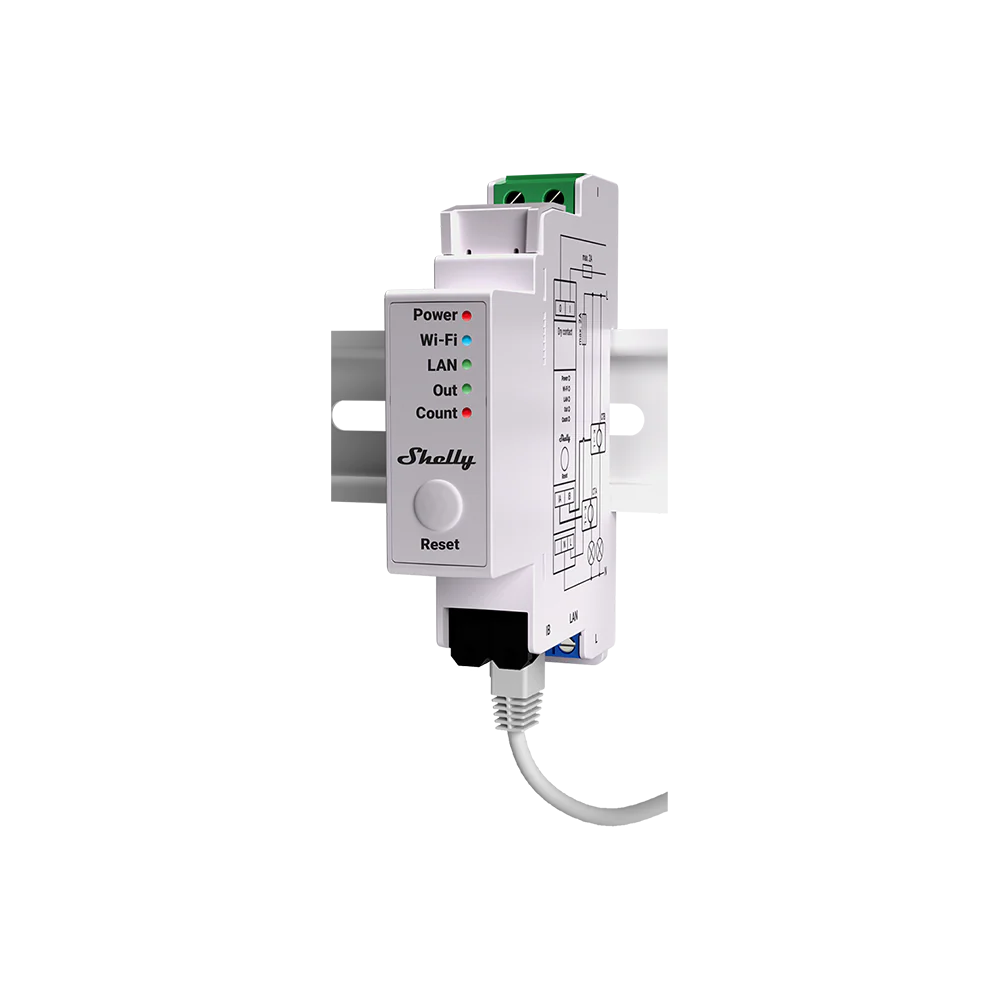
Shelly Pro EM-50
Best fit when single-phase, two measurement channels; official wiring documentation also covers split-phase live A/B context., solar import/export visibility, and local dashboards and Home Assistant.
Use this comparison when you are choosing between energy meter options and need to separate practical setup fit from headline specifications.
At A Glance
Key fit signals before the full table
A quick pass over the most decision-shaping details for each device in this featured comparison.
Shelly EM
- Phase
- Single-phase, two-channel monitoring
- Installation
- Wall box / electrical cabinet / near-appliance retrofit with external current transformers
- Measurement
- Single-phase two-channel CT energy meter
- Max current
- 80 A
Shelly EM Gen3
- Phase
- Single-phase monitoring, with two current measurement channels
- Installation
- Retrofit in a wall box or electrical cabinet with external CT clamps; qualified electrical installation is recommended.
- Measurement
- Two-channel CT energy meter with import/export-capable measurements
- Max current
- 80 A
Shelly Pro EM-50
- Phase
- Single-phase, two measurement channels; official wiring documentation also covers split-phase live A/B context.
- Installation
- Indoor DIN-rail installation with two external 50 A CTs; 100-260 V AC supply; qualified-electrician installation.
- Measurement
- Two-channel single-phase external-CT measurement of electrical parameters and four-quadrant consumption/production flows.
- Max current
- 50 A
Before You Decide
Checks that matter before price.
- Confirm your supply type first: single-phase, split-phase, or three-phase.
- Decide whether DIN-rail wiring, CT clamps, or utility-meter access fits your switchboard.
- Choose between cloud convenience and local data access before comparing prices.
- For solar homes, make sure import, export, and load readings are measured at the right point.
| Install fit | |||
|---|---|---|---|
| Phase support | Single-phase, two-channel monitoring | Single-phase monitoring, with two current measurement channels | Single-phase, two measurement channels; official wiring documentation also covers split-phase live A/B context. |
| Installation | Wall box / electrical cabinet / near-appliance retrofit with external current transformers | Retrofit in a wall box or electrical cabinet with external CT clamps; qualified electrical installation is recommended. | Indoor DIN-rail installation with two external 50 A CTs; 100-260 V AC supply; qualified-electrician installation. |
| Measurement | Single-phase two-channel CT energy meter | Two-channel CT energy meter with import/export-capable measurements | Two-channel single-phase external-CT measurement of electrical parameters and four-quadrant consumption/production flows. |
| Max current | 80 A | 80 A | 50 A |
| Nominal voltage | Unknown | 110-240 V AC | 100-260 V AC |
| Meter fit | |||
| Accuracy class | Voltage +/-2%; current +/-2% from 1-50 A and +/-5% from 0-1 A. | Voltmeter accuracy ±2%; ammeter accuracy ±2% from 1-50 A and ±5% below 1 A | Class B active energy (IEC 62053-21); Shelly states 1% measurement accuracy. |
| Current sensing | 1 x 50A CT included; supports up to 2 CTs total, with optional additional CT50A or CT80A | Two CT inputs; one 50 A CT is included and Shelly lists 50 A and 80 A compatible CTs. | Two included external 50 A CTs, one per IA/IB channel; both channels measure the same phase. |
| Gateway fit | |||
| Connectivity | Unknown | Unknown | Ethernet, Wi-Fi, Bluetooth |
| Monitoring | |||
| Protocol | Wi-Fi / Bluetooth / MQTT / HTTP / WebSocket / RPC | Wi-Fi / Bluetooth / MQTT / HTTP / WebSocket / RPC | Ethernet / Wi-Fi / Bluetooth provisioning / MQTT / HTTP / WebSocket / RPC / Modbus TCP |
| Local API | Yes | Yes | Yes |
| Cloud dependency | Optional cloud; local web, automation, APIs and at least 10 days of 1-minute logs work without Shelly Cloud. | Optional cloud; local web UI, scripting, RPC, MQTT and WebSocket work on the local Wi-Fi network. | Optional Shelly Cloud; local Ethernet/Wi-Fi use supports web UI, RPC, MQTT, HTTP, WebSocket, Modbus TCP, scripting, and local data export. |
| Home Assistant | Yes | Yes | Yes |
| Solar fit | |||
| Solar import/export | Yes | Yes | Yes |
| Buying context | |||
| Price range | USD 55.99 sale / EUR 58.90 incl. VAT on 2026-10-10 CST; regional pricing varies. | About $50-$90 | USD 107.99 sale (USD 119.99 regular) / EUR 101.90 incl. VAT from official stores on 2026-10-13 |
| Availability | EU store / USA store / region-dependent Shelly availability | United States and Europe via official Shelly stores; wider availability varies by regional distributor and electrical-market fit. | United States and Europe via official Shelly stores; Shelly Europe advertises worldwide shipping, subject to destination eligibility, tax and stock. |
| Source check | |||
| Last verified | Oct 10, 2026 | Sep 29, 2026 | Oct 13, 2026 |
| Product page | Official page | Official page | Official page |
| Documentation | Official docs | Official docs | Official docs |
Verdict
Start with Shelly EM when single-phase, two-channel monitoring, solar import/export visibility, and local dashboards and Home Assistant. Put Shelly EM Gen3 higher on the list when single-phase monitoring, with two current measurement channels, solar import/export visibility, and local dashboards and Home Assistant. For the final choice, check the full table for installation constraints, local data access, and source-verified unknowns.
FAQ
Common decision questions.
Which energy meter should I choose?
Choose the option that matches your installation constraints and data path first. For 3 energy meter options, the full table is most useful after you know whether local data access, cloud convenience, backup behavior, solar visibility, or expansion matters most.
What should I check before comparing prices?
Check installation fit, required accessories, official documentation, monitoring platform support, and any unknown fields in the source-checked table. Price is only useful once those constraints are clear.
Can these devices work with local dashboards or Home Assistant?
Shelly EM, Shelly EM Gen3, Shelly Pro EM-50 list Home Assistant support in the catalog. Shelly EM, Shelly EM Gen3, Shelly Pro EM-50 are marked with local API support. Confirm firmware, region, and integration maturity before treating this as a final compatibility guarantee.
Are unknown fields a reason to avoid a device?
Not always. Unknown means the field was not confirmed from the reviewed source data. Treat it as a question for the installer, reseller, or manufacturer before making a purchase decision.