Device Comparison
Tesla Wall Connector vs myenergi zappi vs Emporia Pro EV Charger
A smart home EV charger comparison for buyers balancing brand fit, solar awareness, and energy data visibility.
Free Compare
Build your own comparison
Which To Choose
Start with the practical fit, then read the table.
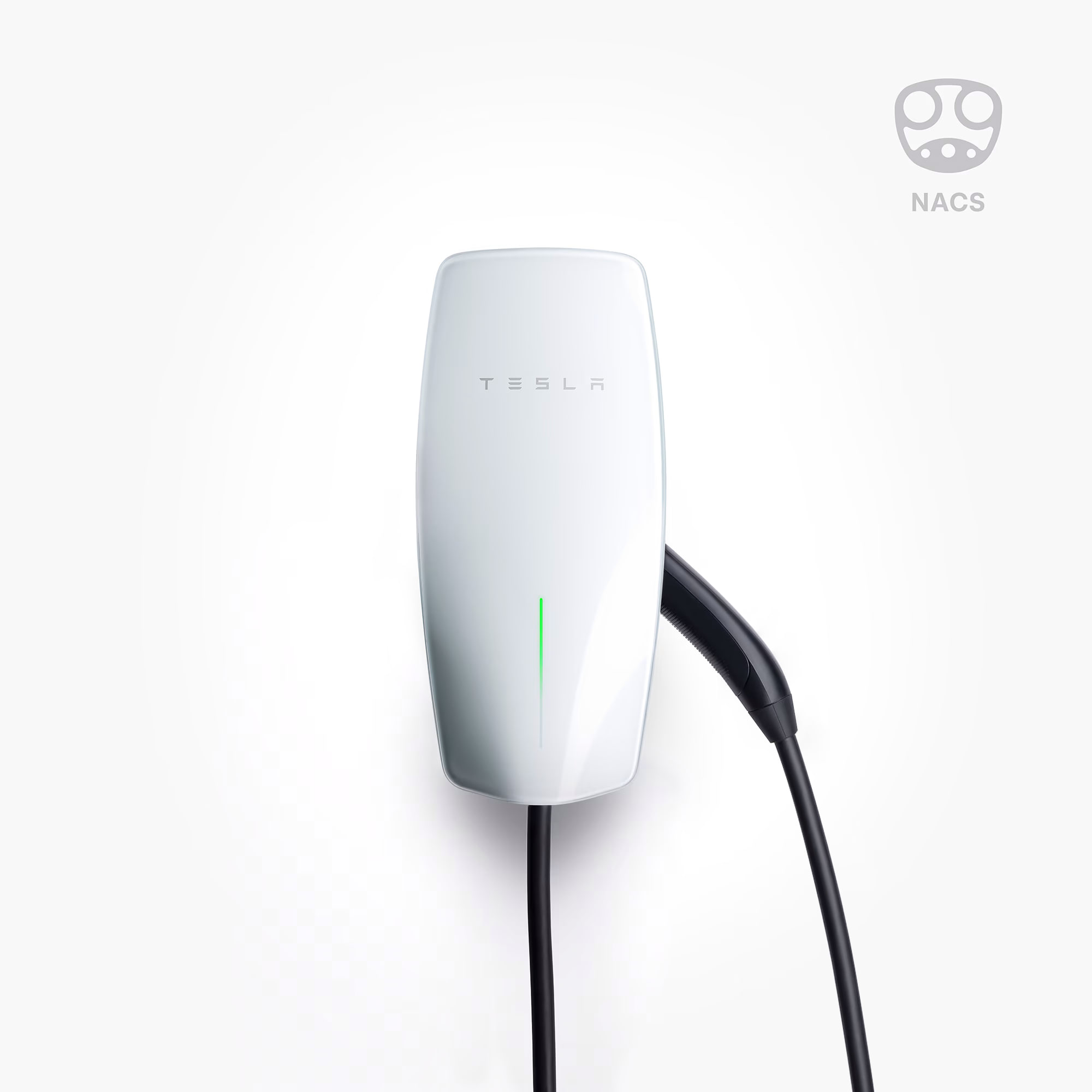
Tesla Wall Connector
Best fit when up to 11.5 kW charging, solar charging mode: no standalone charger-native solar-surplus mode verified; Tesla Charge on Solar requires compatible Tesla vehicle and Powerwall., and load management: static; Dynamic with a Tesla-approved meter for one Wall Connector; and Group Power Management for up to six Gen 3 Wall Connectors. Internet is not required for these modes..
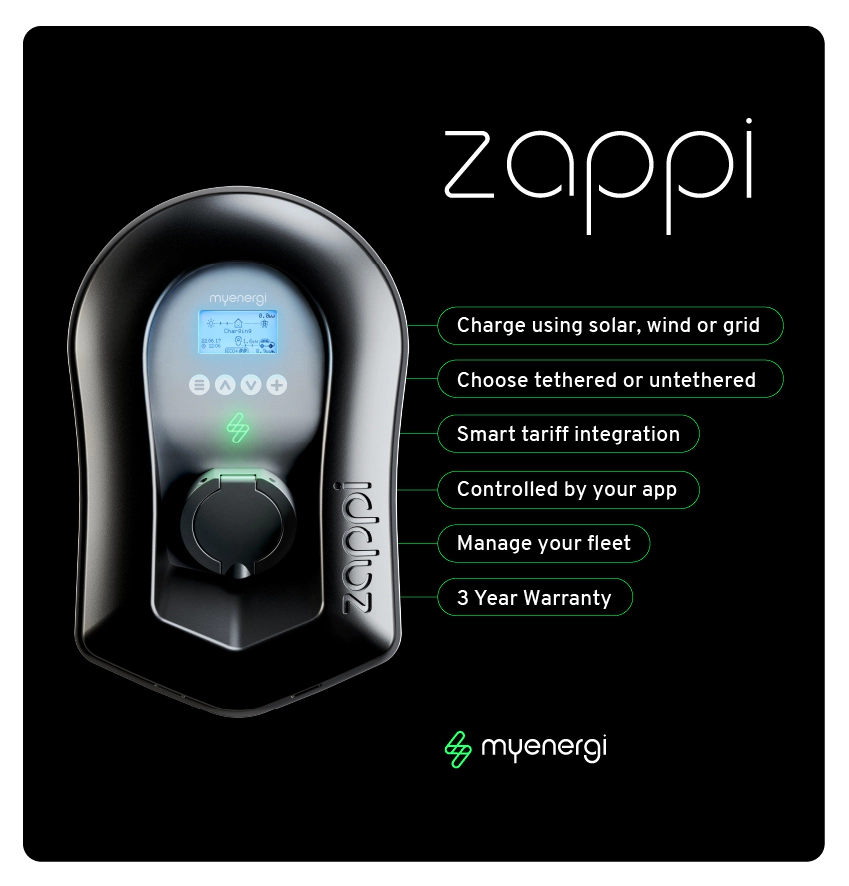
myenergi zappi
Best fit when up to 22 kW charging, solar charging mode: eCO, ECO+ and FAST modes; zappi can charge from grid power, solar/wind surplus, or a mix of grid and renewable generation, and load management: dynamic load balancing / energy-management behavior using supplied CT clamp(s), with broader myenergi ecosystem coordination through the app.
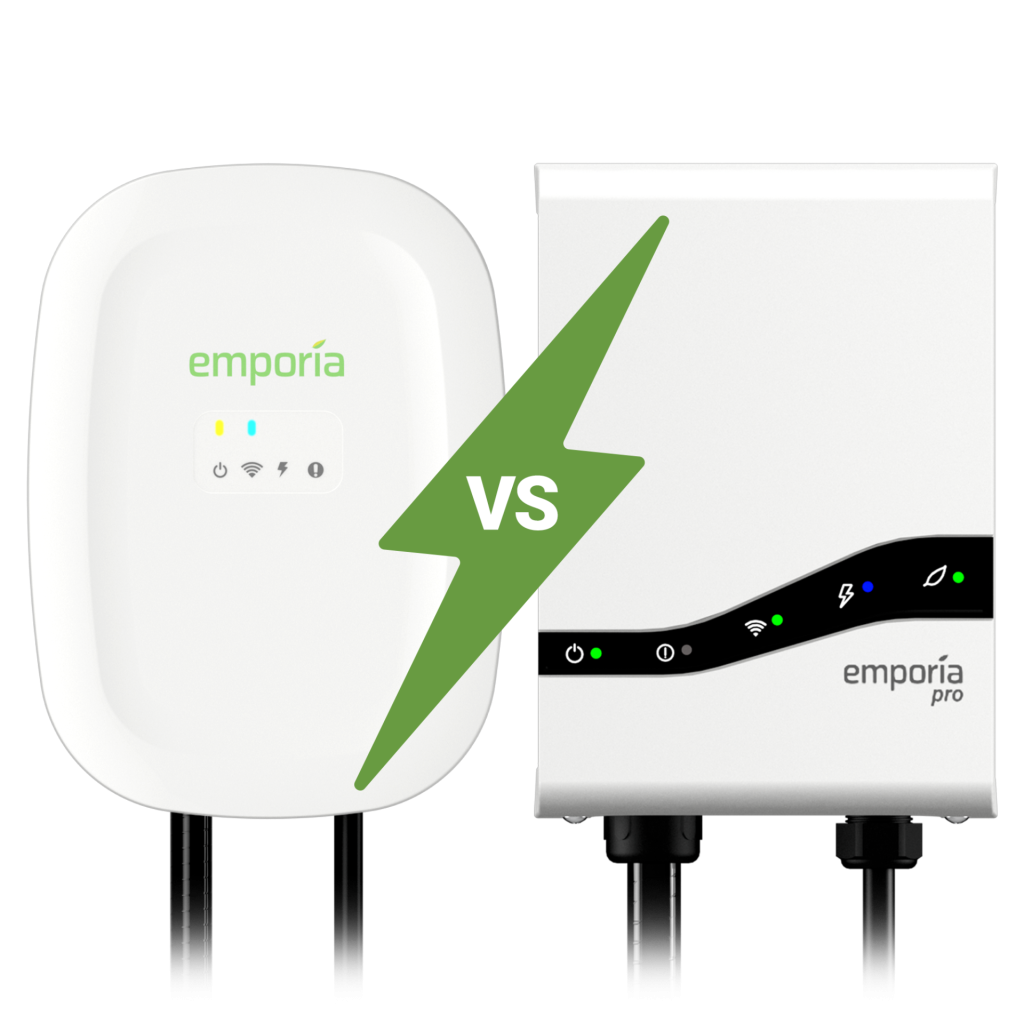
Emporia Pro EV Charger
Best fit when up to 11.5 kW charging, solar charging mode: excess-solar charging through the Emporia app using the bundled Vue 3 monitor; operation depends on correct whole-home monitoring and Emporia cloud/app availability., and load management: included PowerSmart uses the bundled Vue 3 monitor to adjust charging to service capacity and falls back to a preset Guaranteed Charge Rate if unavailable..
Use this comparison when the charger is part of a wider home energy setup and you want to compare Tesla ecosystem fit against solar-aware and energy-monitoring-friendly alternatives.
At A Glance
Key fit signals before the full table
A quick pass over the most decision-shaping details for each device in this featured comparison.
Tesla Wall Connector
- Max charging
- 11.5 kW
- Connector
- NACS / Tesla North American Charging Standard with 24 ft cable
- Solar charging
- No standalone charger-native solar-surplus mode verified; Tesla Charge on Solar requires compatible Tesla vehicle and Powerwall.
- Load mgmt
- Static; Dynamic with a Tesla-approved meter for one Wall Connector; and Group Power Management for up to six Gen 3 Wall Connectors. Internet is not required for these modes.
myenergi zappi
- Max charging
- 22 kW
- Connector
- Type 2 tethered cable or untethered Type 2 socket, depending on configuration
- Solar charging
- ECO, ECO+ and FAST modes; zappi can charge from grid power, solar/wind surplus, or a mix of grid and renewable generation
- Load mgmt
- Dynamic load balancing / energy-management behavior using supplied CT clamp(s), with broader myenergi ecosystem coordination through the app
Emporia Pro EV Charger
- Max charging
- 11.5 kW
- Connector
- 25 ft SAE J1772 or NACS / SAE J3400 charging cable, depending on selected variant.
- Solar charging
- Excess-solar charging through the Emporia app using the bundled Vue 3 monitor; operation depends on correct whole-home monitoring and Emporia cloud/app availability.
- Load mgmt
- Included PowerSmart uses the bundled Vue 3 monitor to adjust charging to service capacity and falls back to a preset Guaranteed Charge Rate if unavailable.
Before You Decide
Checks that matter before price.
- Decide whether simple scheduled charging is enough or solar-aware charging matters.
- Check load management before assuming the highest amp rating is useful at home.
- Confirm whether the charger needs an external meter for solar surplus control.
- Treat OCPP, local API, and Home Assistant support as long-term flexibility signals.
| Install fit | |||
|---|---|---|---|
| Phase support | 200-240 V AC single-phase North America home-charging context. | Single-phase 7.4 kW model or three-phase 22 kW model, depending on variant and site supply | 208/240 V AC, 50/60 Hz single-phase Level 2 input. |
| Installation | Qualified-electrician hardwired indoor/outdoor Level 2 wall or pedestal installation; installer commissioning through Tesla One app. | Wall-mounted smart EV charger installed by a qualified electrician; built-in Wi-Fi and Ethernet on current models; no separate hub required for smart operation | Indoor/outdoor NEMA Type 4 Level 2 EVSE; NEMA 14-50 up to 40 A or hardwired up to 48 A. Licensed-electrician installation is recommended. |
| Measurement | Level 2 AC EV charging station with up to 48 A / 11.5 kW output, Tesla app scheduling, charging stats, access controls, Wi-Fi firmware updates, and diagnostics. | EV charging energy telemetry and household import/export-aware charging control using CT clamp measurement for solar surplus and load balancing | Level 2 AC EV charger with app scheduling, charging history, and PowerSmart load management using the bundled Vue 3 monitor. |
| Max current | 48 A | 32 A | 48 A |
| Rated power | Unknown | Unknown | 11.5 kW |
| Nominal voltage | Unknown | Unknown | 208/240 V AC |
| EV charging fit | |||
| Max charging power | 11.5 kW | 22 kW | 11.5 kW |
| Connector | NACS / Tesla North American Charging Standard with 24 ft cable | Type 2 tethered cable or untethered Type 2 socket, depending on configuration | 25 ft SAE J1772 or NACS / SAE J3400 charging cable, depending on selected variant. |
| Solar charging | No standalone charger-native solar-surplus mode verified; Tesla Charge on Solar requires compatible Tesla vehicle and Powerwall. | ECO, ECO+ and FAST modes; zappi can charge from grid power, solar/wind surplus, or a mix of grid and renewable generation | Excess-solar charging through the Emporia app using the bundled Vue 3 monitor; operation depends on correct whole-home monitoring and Emporia cloud/app availability. |
| Load management | Static; Dynamic with a Tesla-approved meter for one Wall Connector; and Group Power Management for up to six Gen 3 Wall Connectors. Internet is not required for these modes. | Dynamic load balancing / energy-management behavior using supplied CT clamp(s), with broader myenergi ecosystem coordination through the app | Included PowerSmart uses the bundled Vue 3 monitor to adjust charging to service capacity and falls back to a preset Guaranteed Charge Rate if unavailable. |
| OCPP | No official residential Tesla Wall Connector OCPP support verified in reviewed Tesla sources. | OCPP 1.6J supported on built-in Wi-Fi models. | Not currently OCPP compatible; Emporia says support is planned but gives no release date. |
| Monitoring | |||
| Protocol | Unknown | Unknown | Emporia App / PowerSmart |
| Local API | Yes | No | No |
| Cloud dependency | Tesla app features, access controls, firmware updates, and remote diagnostics use Wi-Fi / Tesla cloud; Power Management does not require internet after setup. | Local charging works at the charger; app, myaccount, remote monitoring, firmware updates, tariff features and OCPP setup use myenergi cloud/connectivity. | Emporia app/cloud required; no local API. |
| Home Assistant | Yes | Yes | No |
| Solar fit | |||
| Solar import/export | No | Yes | Yes |
| Buying context | |||
| Price range | USD 585 / CAD 760 before installation | About GBP 800-GBP 1200 before installation | About $599 before installation |
| Availability | United States and Canada via Tesla Shop for the North American NACS Wall Connector; purchase eligibility, stock, incentives and installer access vary by market. | United Kingdom official store and installer channel, with regional myenergi product pages also visible for Australia, New Zealand, and Benelux; model availability varies by country. | United States official store; certified for Canada, where stock varies and wider Amazon Canada availability has no published launch date. |
| Source check | |||
| Last verified | Oct 4, 2026 | Sep 29, 2026 | Sep 23, 2026 |
| Product page | Official page | Official page | Official page |
| Documentation | Official docs | Official docs | Official docs |
Verdict
Choose Tesla Wall Connector for Tesla-led households, zappi for stronger solar-first behavior, and Emporia when charger control should tie more closely into home energy monitoring.
FAQ
Common decision questions.
Which ev charger should I choose?
Choose the option that matches your installation constraints and data path first. For 3 ev charger options, the full table is most useful after you know whether local data access, cloud convenience, backup behavior, solar visibility, or expansion matters most.
What should I check before comparing prices?
Check installation fit, required accessories, official documentation, monitoring platform support, and any unknown fields in the source-checked table. Price is only useful once those constraints are clear.
Can these devices work with local dashboards or Home Assistant?
Tesla Wall Connector, myenergi zappi list Home Assistant support in the catalog. Tesla Wall Connector are marked with local API support. Confirm firmware, region, and integration maturity before treating this as a final compatibility guarantee.
Are unknown fields a reason to avoid a device?
Not always. Unknown means the field was not confirmed from the reviewed source data. Treat it as a question for the installer, reseller, or manufacturer before making a purchase decision.
Does the verdict replace the specification table?
No. The verdict is a practical shortcut. Use the table to confirm the exact constraints that matter for your home, especially installation, monitoring, and support details.