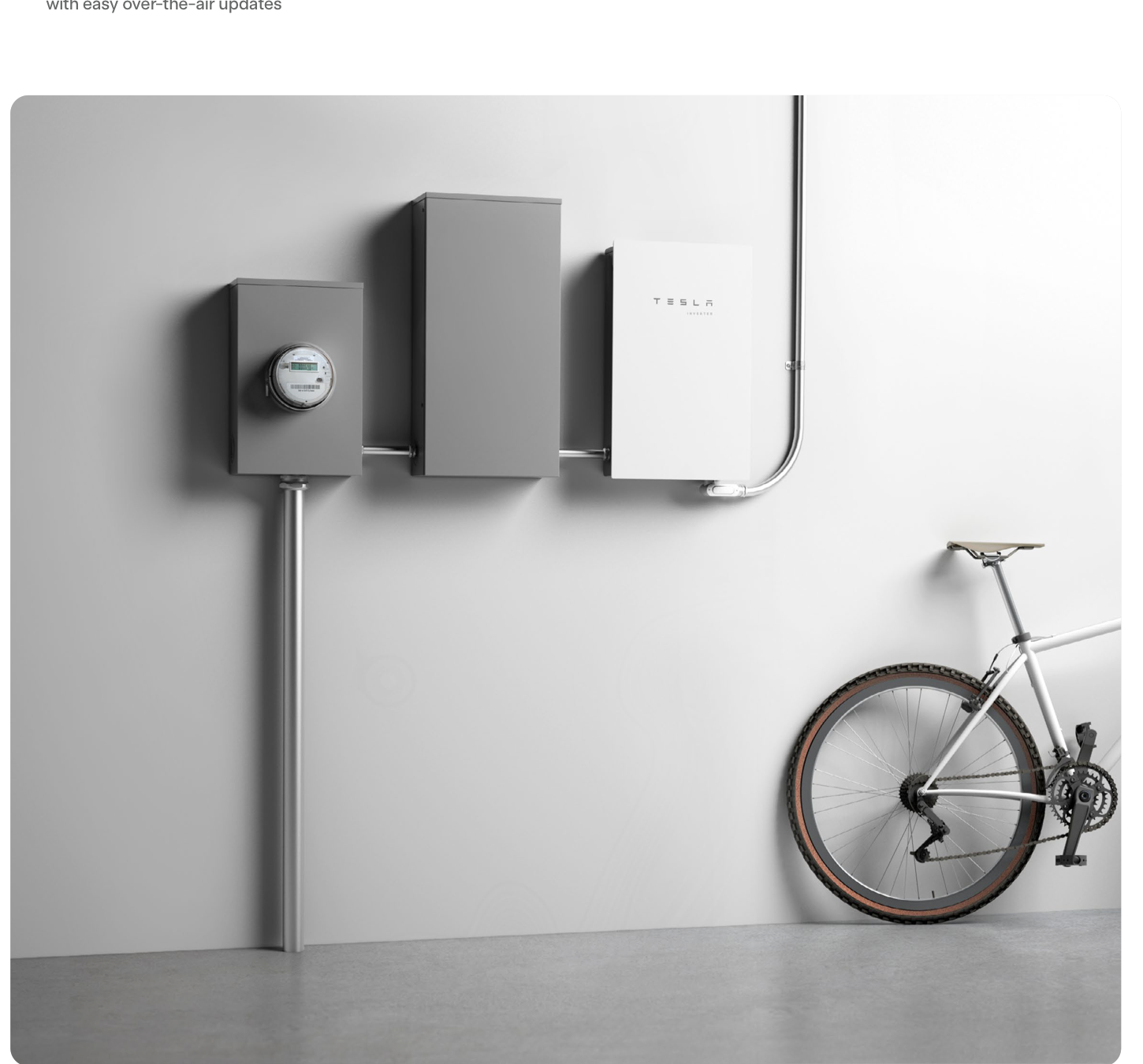
Device Comparison
Tesla Solar Inverter 3.8 kW vs 7.6 kW
A simple Tesla family comparison for homeowners choosing the right inverter size for a split-phase residential install.
Free Compare
Build your own comparison
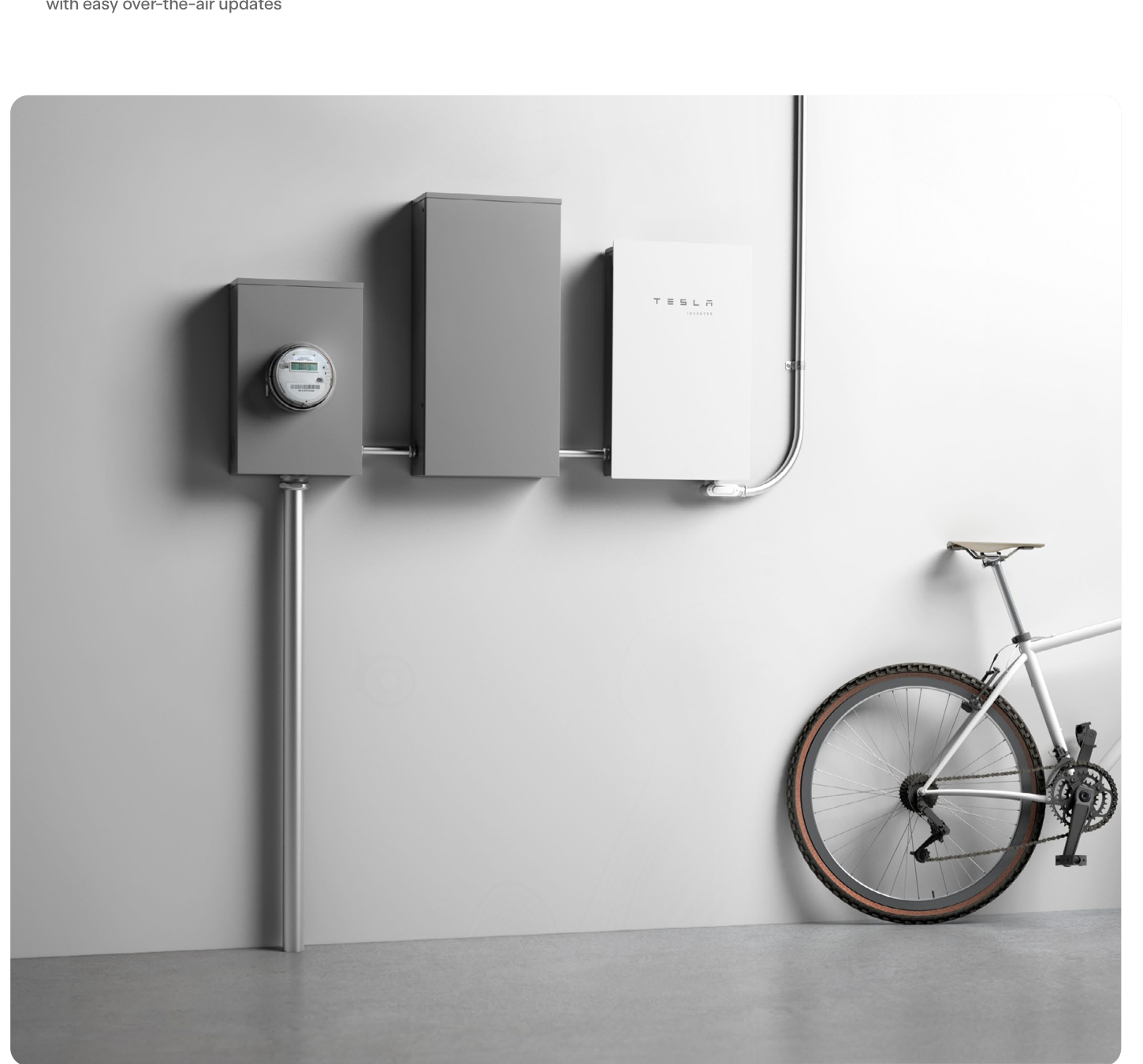
Which To Choose
Start with the practical fit, then read the table.
Tesla Solar Inverter 3.8 kW
Best fit when a 3.8 kW inverter class, battery-ready planning, and backup requirements like no standalone backup; backup requires a compatible Tesla Powerwall and Gateway system design..
Tesla Solar Inverter 7.6 kW
Best fit when a 7.6 kW inverter class, battery-ready planning, and backup requirements like no standalone backup; backup depends on paired Powerwall/Gateway system design..
Use this comparison when you already want Tesla and the main question is whether the smaller 3.8 kW unit is enough or the 7.6 kW model is the better fit for the PV array and service setup.
At A Glance
Key fit signals before the full table
A quick pass over the most decision-shaping details for each device in this featured comparison.
Tesla Solar Inverter 3.8 kW
- Rated power
- 3.8 kW
- Max PV input
- 5.32 kW
- MPPT trackers
- 2
- Battery ready
- Yes
Tesla Solar Inverter 7.6 kW
- Rated power
- 7.6 kW
- Max PV input
- 12.92 kW
- MPPT trackers
- 4
- Battery ready
- Yes
Before You Decide
Checks that matter before price.
- Match rated power and MPPT layout to the roof, not just the headline inverter size.
- Check whether battery-ready really means compatible with the battery path you want.
- Look at backup behavior early, because it can change wiring and quote complexity.
- Decide whether the vendor app is enough or whether local data access matters later.
| Install fit | ||
|---|---|---|
| Phase support | 60 Hz, 240 V split phase or 208 V Wye for Tesla P/N 1534000-xx-y. | 240 V, 60 Hz split-phase; older non-Site-Controller variants may also support 208 V. |
| Installation | Qualified-installer indoor/outdoor wall mount; Type 3R enclosure, IP55 wiring compartment, and 20 A AC breaker. | Qualified-installer indoor/outdoor wall mount; Type 3R, IP55 wiring compartment, 40 A breaker. |
| Measurement | Two-MPPT string-inverter telemetry; optional AC remote metering uses Wi-Fi or RS-485. No factory Neurio meter is documented for P/N 1534000. | Four-MPPT string-inverter telemetry; Site Controller variant adds built-in Neurio revenue-grade solar metering. |
| Max current | 16 A | 32 A |
| Rated power | 3.8 kW | 7.6 kW |
| Inverter fit | ||
| Max PV input | 5.32 kW | 12.92 kW |
| MPPT trackers | 2 | 4 |
| Battery ready | Yes | Yes |
| Backup support | No standalone backup; backup requires a compatible Tesla Powerwall and Gateway system design. | No standalone backup; backup depends on paired Powerwall/Gateway system design. |
| Monitoring | ||
| Protocol | Tesla App; Wi-Fi / Ethernet / cellular connectivity; optional Wi-Fi / RS-485 AC remote metering | Tesla App |
| Local API | No | No |
| Cloud dependency | Tesla app/cloud is required for homeowner monitoring, registration, remote access and OTA updates; connectivity supports Wi-Fi, Ethernet and cellular. | Tesla app/cloud for homeowner monitoring, remote access, and OTA updates; connectivity supports Wi-Fi, Ethernet, and cellular. |
| Home Assistant | No | No |
| Solar fit | ||
| Solar import/export | Yes | Yes |
| Buying context | ||
| Price range | Installer supplied; usually quoted with a Tesla solar system | Installer supplied; usually quoted with a Tesla solar system |
| Availability | United States and selected North American Tesla solar service areas; address, installer, utility, and grid approval determine availability. | United States Tesla solar service areas; address, installer, utility, and grid approval determine availability. |
| Source check | ||
| Last verified | Sep 23, 2026 | Sep 22, 2026 |
| Product page | Official page | Official page |
| Documentation | Official docs | Official docs |
Verdict
Choose 3.8 kW for smaller arrays and simpler installs, and 7.6 kW when the system size and expansion headroom justify the larger inverter.
FAQ
Common decision questions.
Which solar inverter should I choose?
Choose the option that matches your installation constraints and data path first. For Tesla Solar Inverter 3.8 kW vs Tesla Solar Inverter 7.6 kW, the full table is most useful after you know whether local data access, cloud convenience, backup behavior, solar visibility, or expansion matters most.
What should I check before comparing prices?
Check installation fit, required accessories, official documentation, monitoring platform support, and any unknown fields in the source-checked table. Price is only useful once those constraints are clear.
Are unknown fields a reason to avoid a device?
Not always. Unknown means the field was not confirmed from the reviewed source data. Treat it as a question for the installer, reseller, or manufacturer before making a purchase decision.
Does the verdict replace the specification table?
No. The verdict is a practical shortcut. Use the table to confirm the exact constraints that matter for your home, especially installation, monitoring, and support details.