Device Comparison
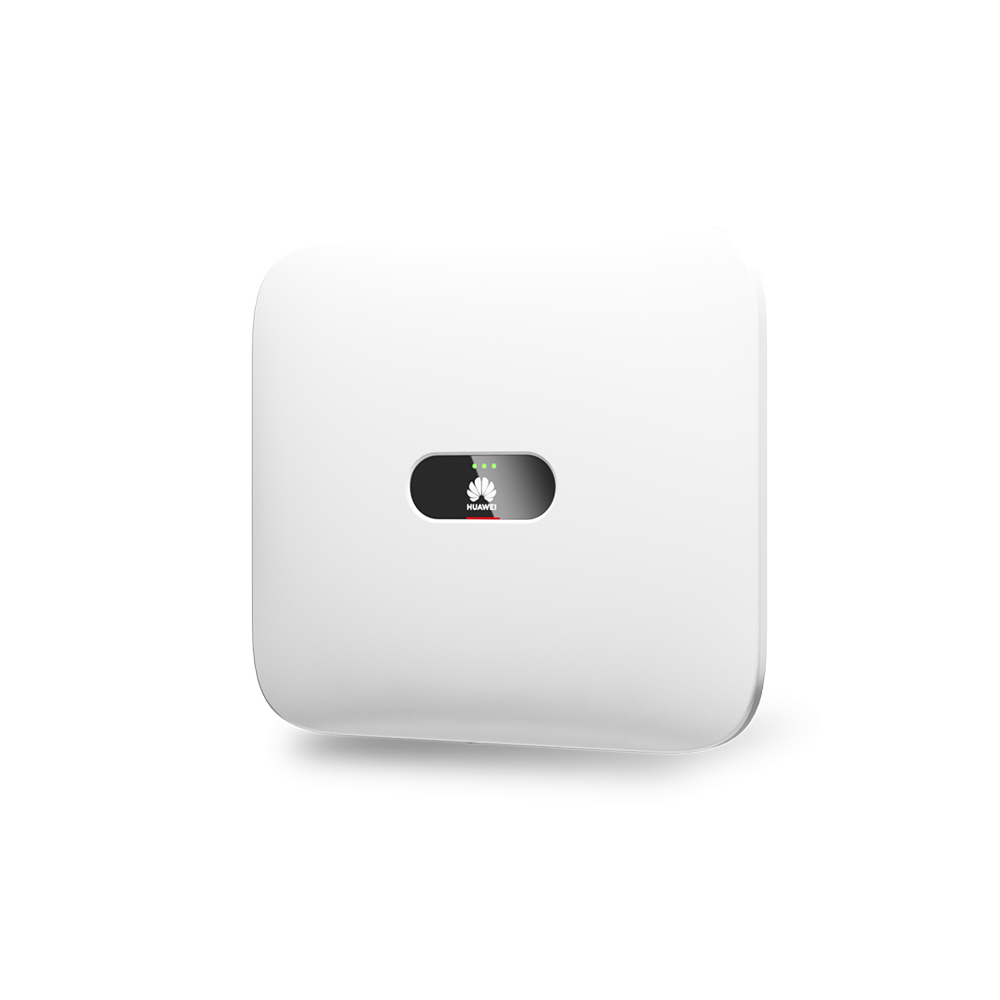
Huawei SUN2000-8KTL-M1 vs SMA Sunny Tripower Smart Energy vs SolarEdge Home Hub Inverter Three Phase
A premium three-phase inverter comparison for homeowners choosing between tightly integrated smart solar ecosystems.
Free Compare
Build your own comparison
Which To Choose
Start with the practical fit, then read the table.
Huawei SUN2000-8KTL-M1
Best fit when a 8 kW inverter class, battery-ready planning, and backup requirements like compatible Huawei ESS plus SmartGuard or BackupBox-B1 required; backup design varies by market..
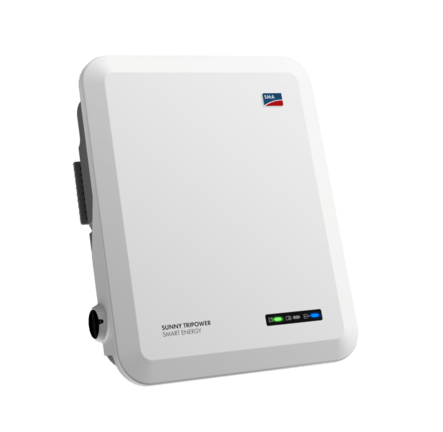
SMA Sunny Tripower Smart Energy
Best fit when a 10 kW inverter class, battery-ready planning, and backup requirements like integrated selected-circuit backup; output depends on inverter model, approved battery sizing and backup/transfer design..
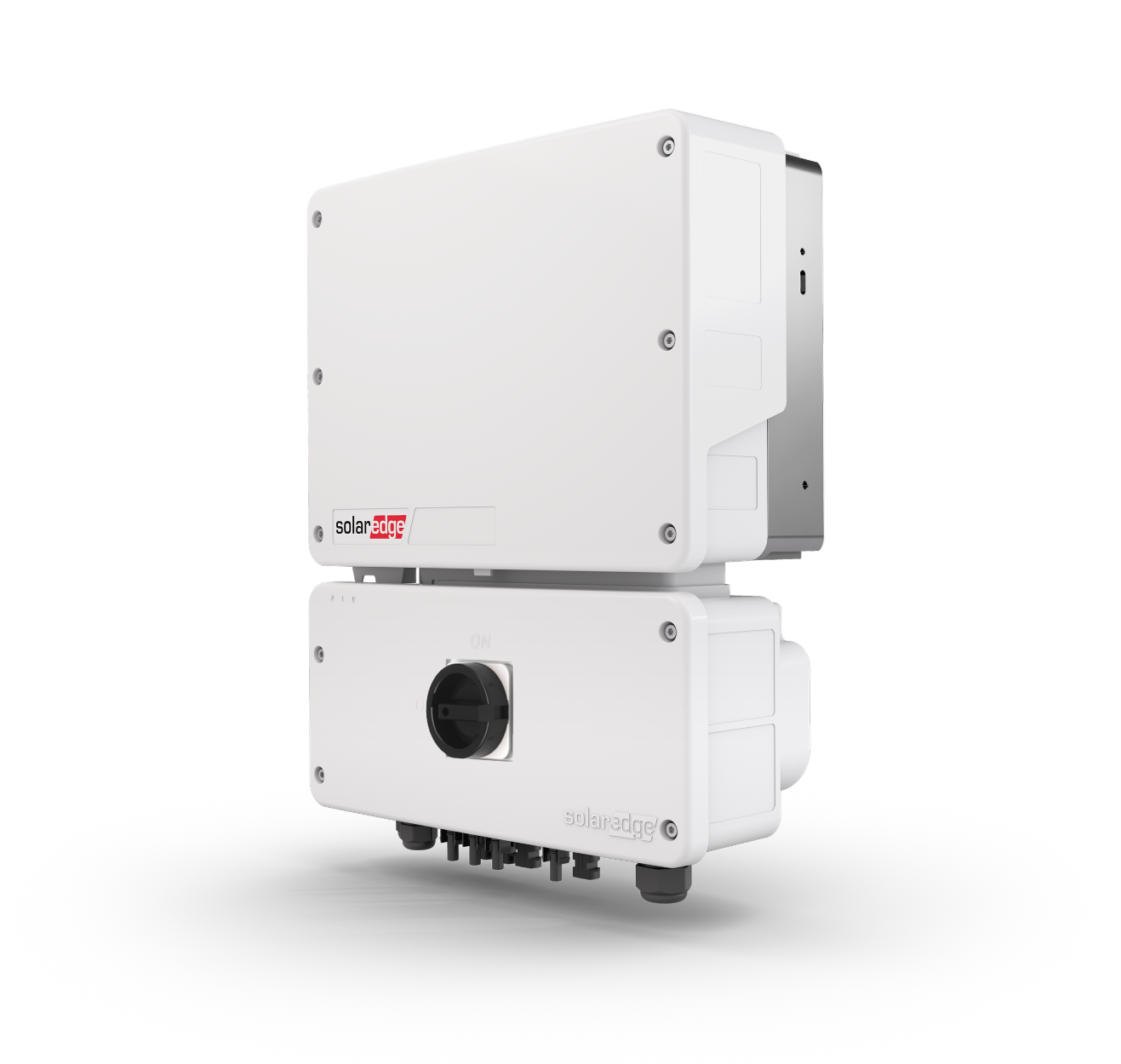
SolarEdge Home Hub Inverter Three Phase
Best fit when a 10 kW inverter class, battery-ready planning, and backup requirements like conditional residential backup with SolarEdge Home Battery plus Backup Interface; requires local approval, accessories, firmware, and compliant design..
Use this comparison when the shortlist is down to premium three-phase inverter platforms and the biggest question is which integrated ecosystem fits the home best.
At A Glance
Key fit signals before the full table
A quick pass over the most decision-shaping details for each device in this featured comparison.
Huawei SUN2000-8KTL-M1
- Rated power
- 8 kW
- Max PV input
- 12 kW
- MPPT trackers
- 2
- Battery ready
- Yes
SMA Sunny Tripower Smart Energy
- Rated power
- 10 kW
- Max PV input
- 15 kW
- MPPT trackers
- 2
- Battery ready
- Yes
SolarEdge Home Hub Inverter Three Phase
- Rated power
- 10 kW
- Max PV input
- 20 kW
- Battery ready
- Yes
- Backup
- Conditional residential backup with SolarEdge Home Battery plus Backup Interface; requires local approval, accessories, firmware, and compliant design.
Before You Decide
Checks that matter before price.
- Match rated power and MPPT layout to the roof, not just the headline inverter size.
- Check whether battery-ready really means compatible with the battery path you want.
- Look at backup behavior early, because it can change wiring and quote complexity.
- Decide whether the vendor app is enough or whether local data access matters later.
| Install fit | |||
|---|---|---|---|
| Phase support | Three-phase 220/380 V AC or 230/400 V AC, 3W/N+PE, 50/60 Hz. | Three-phase 3/N/PE grid connection; 220/380 V, 230/400 V or 240/415 V nominal AC at 50 Hz, subject to country data set. | Three-phase 3/N/PE WYE with neutral; 380/220 V or 400/230 V nominal AC output context. |
| Installation | Wall-mounted indoor/outdoor IP65 three-phase hybrid PV inverter. | Wall-mounted transformerless hybrid inverter for indoor or outdoor installation on a solid, non-flammable support; qualified electrical installation required. | Wall-mounted three-phase hybrid inverter for indoor or outdoor installation; IP65 protection rating. |
| Measurement | Three-phase PV string inverter with DC battery interface, grid output, FusionSolar monitoring, and optional backup-system role. | Three-phase DC-coupled hybrid inverter for PV, approved battery, grid feed-in and selected-circuit backup. | DC-optimized three-phase hybrid PV, battery-storage, and backup inverter; not a standalone energy meter. |
| Max current | 13.5 A | 15.2 A | 16 A |
| Rated power | 8 kW | 10 kW | 10 kW |
| Inverter fit | |||
| Max PV input | 12 kW | 15 kW | 20 kW |
| MPPT trackers | 2 | 2 | Unknown |
| Battery ready | Yes | Yes | Yes |
| Backup support | Compatible Huawei ESS plus SmartGuard or BackupBox-B1 required; backup design varies by market. | Integrated selected-circuit backup; output depends on inverter model, approved battery sizing and backup/transfer design. | Conditional residential backup with SolarEdge Home Battery plus Backup Interface; requires local approval, accessories, firmware, and compliant design. |
| Monitoring | |||
| Protocol | FusionSolar / Smart PV Ecosystem | Ethernet LAN / Wi-Fi / Speedwire / Webconnect; optional enabled SMA Modbus TCP or SunSpec Modbus TCP; CAN battery communication; Sunny Portal / SMA Energy App optional. | SolarEdge Monitoring Platform |
| Local API | Yes | Yes | Yes |
| Cloud dependency | Optional cloud. Core inverter operation is local; FusionSolar and Smart Dongles add remote monitoring. | Cloud optional. Local Web UI and enabled SMA/SunSpec Modbus TCP work on the local network; Sunny Portal, apps and Smart Connected use internet services. | SolarEdge app/cloud is used for monitoring, commissioning, and remote updates; inverter communications include Ethernet, RS485, and SolarEdge Home Network. |
| Home Assistant | Yes | Yes | Yes |
| Solar fit | |||
| Solar import/export | Yes | Yes | Yes |
| Buying context | |||
| Price range | Installer supplied; hardware price varies by model and region | Installer supplied; hardware price varies by model and region | Installer supplied; hardware price varies by model and region |
| Availability | Huawei FusionSolar global channels; exact M1 availability, grid certification and compatible accessories vary by country and authorized distributor. | EU, UK, AU, selected markets | Europe and selected SolarEdge markets; Australia uses the related Home Hub Universal 3-Phase line. Distributor-led availability varies by country. |
| Source check | |||
| Last verified | Sep 12, 2026 | Sep 8, 2026 | Jun 10, 2026 |
| Product page | Official page | Official page | Official page |
| Documentation | Official docs | Official docs | Official docs |
Verdict
Choose Huawei or SolarEdge for a tightly integrated smart-solar stack, and SMA when you want a premium hybrid-ready platform with strong brand trust and energy management appeal.
FAQ
Common decision questions.
Which solar inverter should I choose?
Choose the option that matches your installation constraints and data path first. For 3 solar inverter options, the full table is most useful after you know whether local data access, cloud convenience, backup behavior, solar visibility, or expansion matters most.
What should I check before comparing prices?
Check installation fit, required accessories, official documentation, monitoring platform support, and any unknown fields in the source-checked table. Price is only useful once those constraints are clear.
Can these devices work with local dashboards or Home Assistant?
Huawei SUN2000-8KTL-M1, SMA Sunny Tripower Smart Energy, SolarEdge Home Hub Inverter Three Phase list Home Assistant support in the catalog. Huawei SUN2000-8KTL-M1, SMA Sunny Tripower Smart Energy, SolarEdge Home Hub Inverter Three Phase are marked with local API support. Confirm firmware, region, and integration maturity before treating this as a final compatibility guarantee.
Are unknown fields a reason to avoid a device?
Not always. Unknown means the field was not confirmed from the reviewed source data. Treat it as a question for the installer, reseller, or manufacturer before making a purchase decision.
Does the verdict replace the specification table?
No. The verdict is a practical shortcut. Use the table to confirm the exact constraints that matter for your home, especially installation, monitoring, and support details.