Device Comparison
HomeWizard P1 Meter vs Emporia Vue Utility Connect
A utility-meter-reader comparison for households that want quick setup without adding clamp sensors inside the panel.
Free Compare
Build your own comparison
Which To Choose
Start with the practical fit, then read the table.
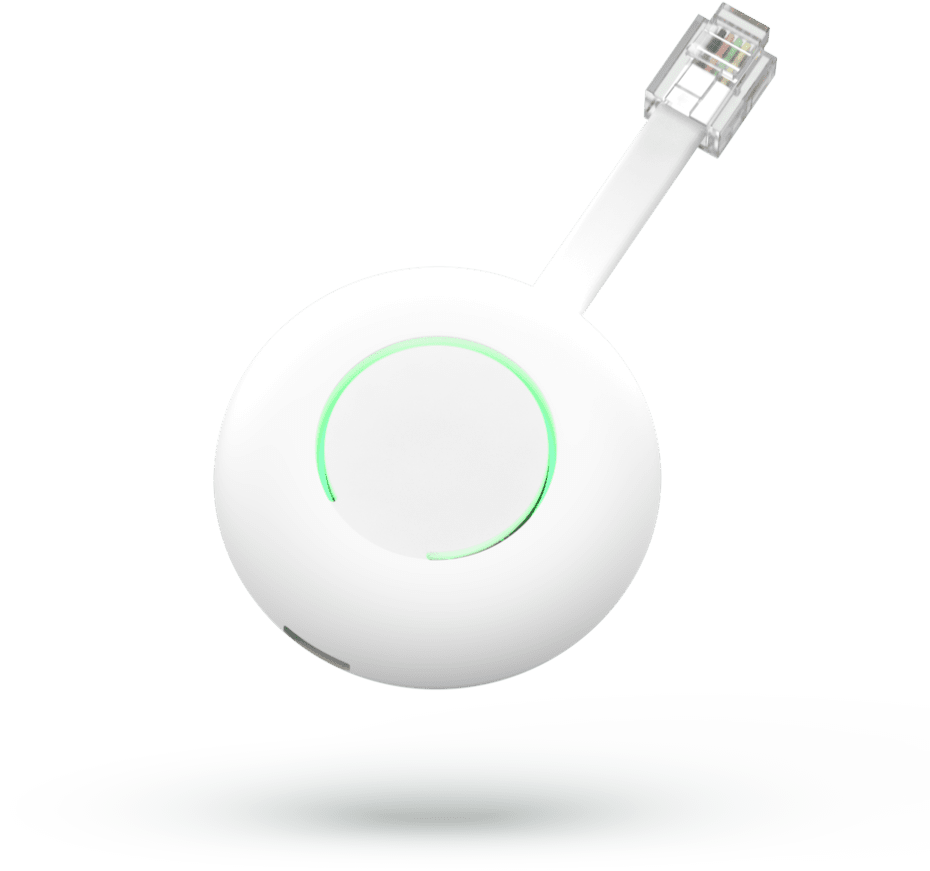
HomeWizard P1 Meter
Best fit when protocol coverage such as P1/HAN smart-meter port using DSMR-style telegram data from one connected compatible utility smart meter; exposed upstream through HomeWizard local API v1/v2., local data access, and Home Assistant integration.
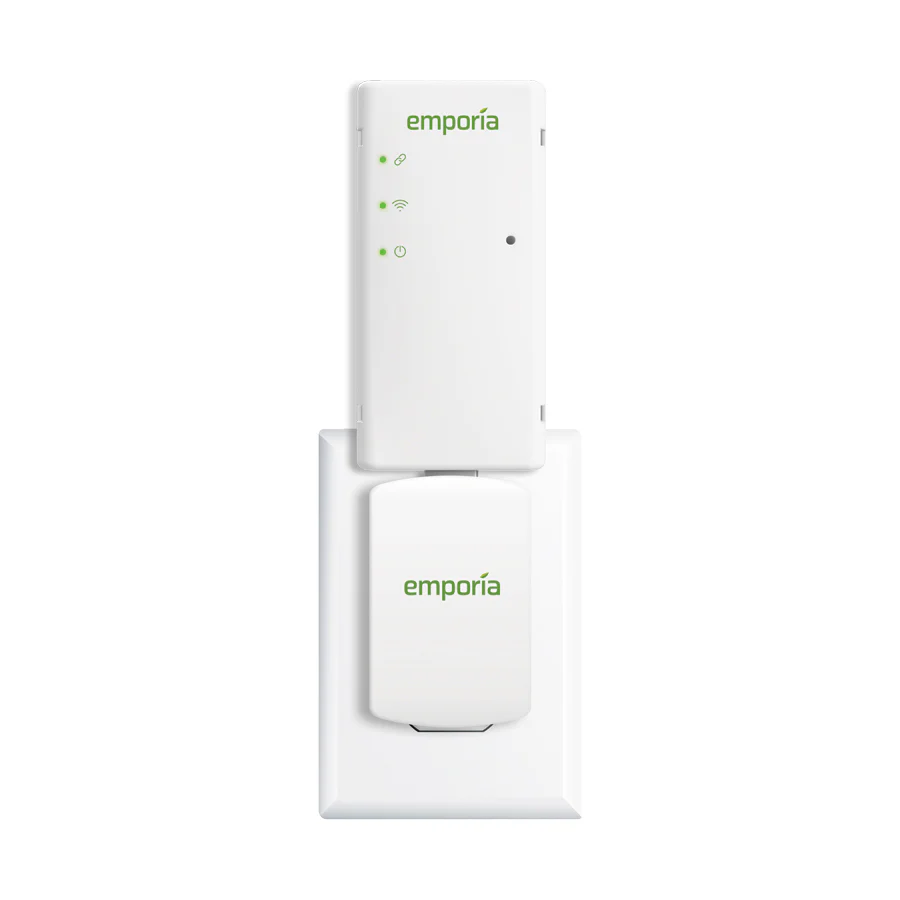
Emporia Vue Utility Connect
Best fit when protocol coverage such as Zigbee Smart Energy Profile 1.1b over the utility smart-meter HAN / AMI link. and utility smart-meter HAN bridge that receives Zigbee Smart Energy data from a supported AMI meter and sends whole-home usage data to the Emporia app/cloud over Wi-Fi..
Use this comparison when the goal is to read utility smart meter data with minimal installation work, and the shortlist is down to a P1-port reader or an approved utility-connect path.
At A Glance
Key fit signals before the full table
A quick pass over the most decision-shaping details for each device in this featured comparison.
HomeWizard P1 Meter
- Connectivity
- 2.4 GHz Wi-Fi 802.11b/g/n with local HTTP/JSON API access on the same LAN; initial setup uses the HomeWizard Energy app.
- Protocols
- P1/HAN smart-meter port using DSMR-style telegram data from one connected compatible utility smart meter; exposed upstream through HomeWizard local API v1/v2.
- Role
- P1 smart-meter reader and Wi-Fi data logger for electricity import/export, gas, per-phase telemetry, and solar-surplus visibility.
- Max devices
- 1
Emporia Vue Utility Connect
- Connectivity
- 2.4 GHz Wi-Fi 802.11 b/g/n to Emporia Cloud plus Zigbee Smart Energy Profile 1.1b / HAN to one supported utility AMI smart meter.
- Protocols
- Zigbee Smart Energy Profile 1.1b over the utility smart-meter HAN / AMI link.
- Role
- Utility smart-meter HAN bridge that receives Zigbee Smart Energy data from a supported AMI meter and sends whole-home usage data to the Emporia app/cloud over Wi-Fi.
- Max devices
- 1
Before You Decide
Checks that matter before price.
- Start with the devices and protocols already installed in the home.
- Check whether the gateway is mainly for logging, cloud upload, automation, or all three.
- Prefer local recovery and local visibility when the gateway sits in the critical data path.
- Confirm cloud dependency before relying on it for long-term monitoring.
| Install fit | ||
|---|---|---|
| Phase support | Reads 1-phase or 3-phase data from a compatible smart meter P1 port | 2-phase residential service or light commercial 3-phase service, depending on the utility smart meter and HAN program |
| Installation | Plug-in indoor P1-port smart-meter reader; powered by SMR5 P1 port or USB-C on older meters. | Indoor plug-in 120 V outlet gateway near a supported AMI smart meter; setup uses the Emporia app and utility HAN registration. |
| Measurement | Gateway/data logger reading smart-meter P1 telemetry for electricity import/export, gas, and solar surplus; not a direct current-carrying meter. | Whole-home AMI smart-meter gateway with solar/net-metering visibility and roughly 30-second readings; no circuit-level CT measurement. |
| Max current | 0 A | Unknown |
| Meter fit | ||
| Current sensing | Reads data from the utility smart meter P1 port | No CT sensors; reads whole-home data from a compatible utility AMI smart meter over Zigbee Smart Energy Profile / HAN. |
| Gateway fit | ||
| Connectivity | 2.4 GHz Wi-Fi 802.11b/g/n with local HTTP/JSON API access on the same LAN; initial setup uses the HomeWizard Energy app. | 2.4 GHz Wi-Fi 802.11 b/g/n to Emporia Cloud plus Zigbee Smart Energy Profile 1.1b / HAN to one supported utility AMI smart meter. |
| Downstream protocols | P1/HAN smart-meter port using DSMR-style telegram data from one connected compatible utility smart meter; exposed upstream through HomeWizard local API v1/v2. | Zigbee Smart Energy Profile 1.1b over the utility smart-meter HAN / AMI link. |
| Connected devices | 1 | 1 |
| Role | P1 smart-meter reader and Wi-Fi data logger for electricity import/export, gas, per-phase telemetry, and solar-surplus visibility. | Utility smart-meter HAN bridge that receives Zigbee Smart Energy data from a supported AMI meter and sends whole-home usage data to the Emporia app/cloud over Wi-Fi. |
| Monitoring | ||
| Protocol | Wi-Fi / Local API | 2.4 GHz Wi-Fi / Zigbee Smart Energy 1.1b / AMI smart meter HAN |
| Local API | Yes | No |
| Cloud dependency | Optional for live LAN data; required for app history, Energy+, remote services, and smart-charging predictions. | Required for normal use: setup uses the Emporia app, and readings upload over 2.4 GHz Wi-Fi to Emporia Cloud. No official local API was verified. |
| Home Assistant | Yes | No |
| Solar fit | ||
| Solar import/export | Yes | Yes |
| Buying context | ||
| Price range | About EUR 25-EUR 40 | Unknown |
| Availability | Europe through HomeWizard official store and localized markets; requires a compatible P1/HAN smart meter. HomeWizard lists 1-phase and 3-phase smart-meter data support. | United States only; selected utility Zigbee SEP/HAN programs. Current Emporia sources list different program sets, so verify exact utility and meter eligibility. |
| Source check | ||
| Last verified | Sep 11, 2026 | Oct 2, 2026 |
| Product page | Official page | Official page |
| Documentation | Official docs | Official docs |
Verdict
Choose HomeWizard when you have a compatible P1 smart meter, and Emporia Utility Connect when the utility-side HAN or optical integration route is the better local fit.
FAQ
Common decision questions.
Which energy gateway should I choose?
Choose the option that matches your installation constraints and data path first. For HomeWizard P1 Meter vs Emporia Vue Utility Connect, the full table is most useful after you know whether local data access, cloud convenience, backup behavior, solar visibility, or expansion matters most.
What should I check before comparing prices?
Check installation fit, required accessories, official documentation, monitoring platform support, and any unknown fields in the source-checked table. Price is only useful once those constraints are clear.
Can these devices work with local dashboards or Home Assistant?
HomeWizard P1 Meter list Home Assistant support in the catalog. HomeWizard P1 Meter are marked with local API support. Confirm firmware, region, and integration maturity before treating this as a final compatibility guarantee.
Are unknown fields a reason to avoid a device?
Not always. Unknown means the field was not confirmed from the reviewed source data. Treat it as a question for the installer, reseller, or manufacturer before making a purchase decision.
Does the verdict replace the specification table?
No. The verdict is a practical shortcut. Use the table to confirm the exact constraints that matter for your home, especially installation, monitoring, and support details.