Device Comparison
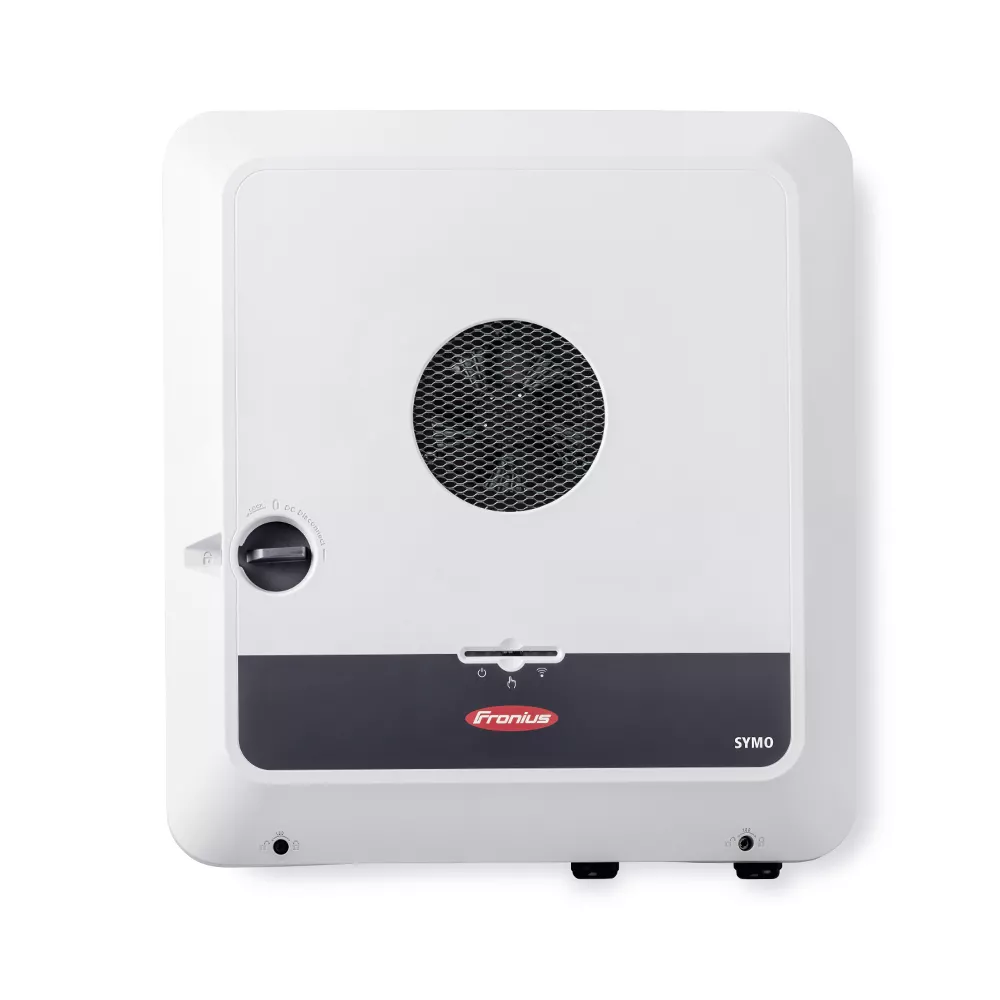
Fronius GEN24 Plus vs Growatt MOD 3-15KTL3-X vs Growatt MOD 3000-10000TL3-XH
A three-phase inverter comparison for buyers choosing between a premium Fronius platform and Growatt’s standard or battery-ready MOD families.
Free Compare
Build your own comparison
Which To Choose
Start with the practical fit, then read the table.
Fronius GEN24 Plus
Best fit when a 12 kW inverter class, battery-ready planning, and backup requirements like pV Point provides selected-load backup while solar is available. Full Backup requires a compatible battery and switching device and is unavailable on Symo GEN24 3.0-5.0 Plus..
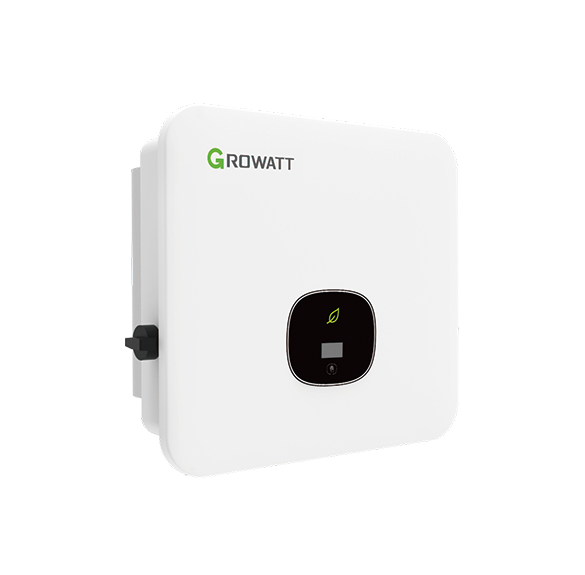
Growatt MOD 3-15KTL3-X
Best fit when a 15 kW inverter class, battery-ready planning, and backup requirements like no native backup output verified for the MOD TL3-X grid-tied inverter; backup depends on separate storage/backup equipment..
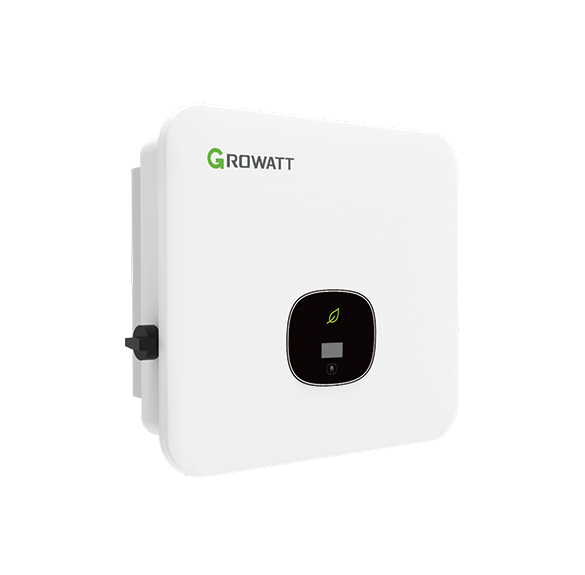
Growatt MOD 3000-10000TL3-XH
Best fit when a 10 kW inverter class, battery-ready planning, and backup requirements like conditional; only the BP-labeled version supports backup with the SYN 50-XH-30, using a compatible APX HV battery and installer-designed backup loads..
Use this comparison when the site needs a three-phase inverter and the decision is between a premium ecosystem-led option and Growatt’s more value-driven family choices.
At A Glance
Key fit signals before the full table
A quick pass over the most decision-shaping details for each device in this featured comparison.
Fronius GEN24 Plus
- Rated power
- 12 kW
- Max PV input
- 12.36 kW
- MPPT trackers
- 2
- Battery ready
- Yes
Growatt MOD 3-15KTL3-X
- Rated power
- 15 kW
- Max PV input
- 22.5 kW
- MPPT trackers
- 2
- Battery ready
- Yes
Growatt MOD 3000-10000TL3-XH
- Rated power
- 10 kW
- Max PV input
- 20 kW
- MPPT trackers
- 2
- Battery ready
- Yes
Before You Decide
Checks that matter before price.
- Match rated power and MPPT layout to the roof, not just the headline inverter size.
- Check whether battery-ready really means compatible with the battery path you want.
- Look at backup behavior early, because it can change wiring and quote complexity.
- Decide whether the vendor app is enough or whether local data access matters later.
| Install fit | |||
|---|---|---|---|
| Phase support | Single-phase Primo GEN24 Plus and three-phase Symo GEN24 Plus variants | Three-phase 220/400 V AC, 3W+N+PE grid connection. | Three-phase 220/380 V or 230/400 V AC, 3W+N+PE, 50/60 Hz. |
| Installation | Wall-mounted indoor/outdoor residential hybrid solar inverter installed as part of a grid-connected PV and optional battery system | Wall-mounted three-phase PV string inverter with IP66 enclosure; installer-led AC/DC wiring. | Wall-mounted indoor/outdoor IP66 three-phase battery-ready PV inverter. |
| Measurement | Hybrid solar inverter for DC PV-to-AC conversion, battery connection on Plus models, self-consumption monitoring, and backup-power system design | Three-phase grid-tied PV string inverter for residential and light commercial solar generation. | Three-phase battery-ready PV string inverter with optional high-voltage battery / backup-system role. |
| Max current | 27.5 A | 25 A | 16.7 A |
| Rated power | 12 kW | 15 kW | 10 kW |
| Nominal voltage | 230 V single-phase / 230/400 V three-phase by model | Unknown | Unknown |
| Inverter fit | |||
| Max PV input | 12.36 kW | 22.5 kW | 20 kW |
| MPPT trackers | 2 | 2 | 2 |
| Battery ready | Yes | Yes | Yes |
| Backup support | PV Point provides selected-load backup while solar is available. Full Backup requires a compatible battery and switching device and is unavailable on Symo GEN24 3.0-5.0 Plus. | No native backup output verified for the MOD TL3-X grid-tied inverter; backup depends on separate storage/backup equipment. | Conditional; only the BP-labeled version supports backup with the SYN 50-XH-30, using a compatible APX HV battery and installer-designed backup loads. |
| Monitoring | |||
| Protocol | Fronius Solar.web / open interfaces | ShinePhone / ShineServer | ShinePhone / ShineServer |
| Local API | Yes | No | No |
| Cloud dependency | Optional Solar.web cloud for remote monitoring and warranty registration; local web interface, Solar API and optional Modbus TCP remain available. | Core grid-tied inverter operation is local hardware-based; remote monitoring uses Growatt Shine WiFi/4G/LAN/Link accessories and Growatt monitoring platform. | Not cloud-only; ShinePhone/ShineServer are cloud/app monitoring, while USB/RS485 and optional WiFi/LAN/RF communication paths are listed. |
| Home Assistant | Yes | Yes | Yes |
| Solar fit | |||
| Solar import/export | Yes | Yes | Yes |
| Buying context | |||
| Price range | Installer supplied; hardware price varies by model and region | Installer supplied; hardware price varies by model and region | Installer supplied; hardware price varies by model and region |
| Availability | Europe, Australia and other Fronius solar markets through regional installer and sales-partner channels; exact Primo, Symo and SC model availability and grid certification vary by country. | Global / regional Growatt availability through distributors and installers; exact model certification and stock vary by market. | Europe, APAC, and selected Growatt markets; model availability, grid certification, battery pairing, and backup approval vary by country. |
| Source check | |||
| Last verified | Sep 5, 2026 | Sep 15, 2026 | Sep 13, 2026 |
| Product page | Official page | Official page | Official page |
| Documentation | Official docs | Official docs | Official docs |
Verdict
Choose Fronius when mature local integration and premium positioning matter most, and choose Growatt based on whether the standard or battery-ready XH route suits the upgrade plan better.
FAQ
Common decision questions.
Which solar inverter should I choose?
Choose the option that matches your installation constraints and data path first. For 3 solar inverter options, the full table is most useful after you know whether local data access, cloud convenience, backup behavior, solar visibility, or expansion matters most.
What should I check before comparing prices?
Check installation fit, required accessories, official documentation, monitoring platform support, and any unknown fields in the source-checked table. Price is only useful once those constraints are clear.
Can these devices work with local dashboards or Home Assistant?
Fronius GEN24 Plus, Growatt MOD 3-15KTL3-X, Growatt MOD 3000-10000TL3-XH list Home Assistant support in the catalog. Fronius GEN24 Plus are marked with local API support. Confirm firmware, region, and integration maturity before treating this as a final compatibility guarantee.
Are unknown fields a reason to avoid a device?
Not always. Unknown means the field was not confirmed from the reviewed source data. Treat it as a question for the installer, reseller, or manufacturer before making a purchase decision.
Does the verdict replace the specification table?
No. The verdict is a practical shortcut. Use the table to confirm the exact constraints that matter for your home, especially installation, monitoring, and support details.