Device Comparison
ChargePoint Home Flex vs Tesla Wall Connector vs Wallbox Pulsar Plus
Compare 3 ev charger options by installation fit, monitoring, local data access, source-checked specs, and buying context.
Free Compare
Build your own comparison
Which To Choose
Start with the practical fit, then read the table.
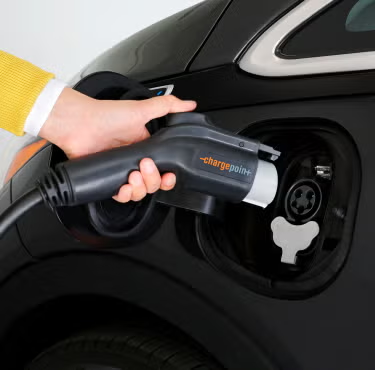
ChargePoint Home Flex
Best fit when up to 12 kW charging, solar charging mode: no native solar-surplus charging mode verified; app supports scheduling and charge-rate control., and load management: configurable 16-50 A output ceiling matched to circuit capacity; no automatic whole-home dynamic load management was verified for CPH50..
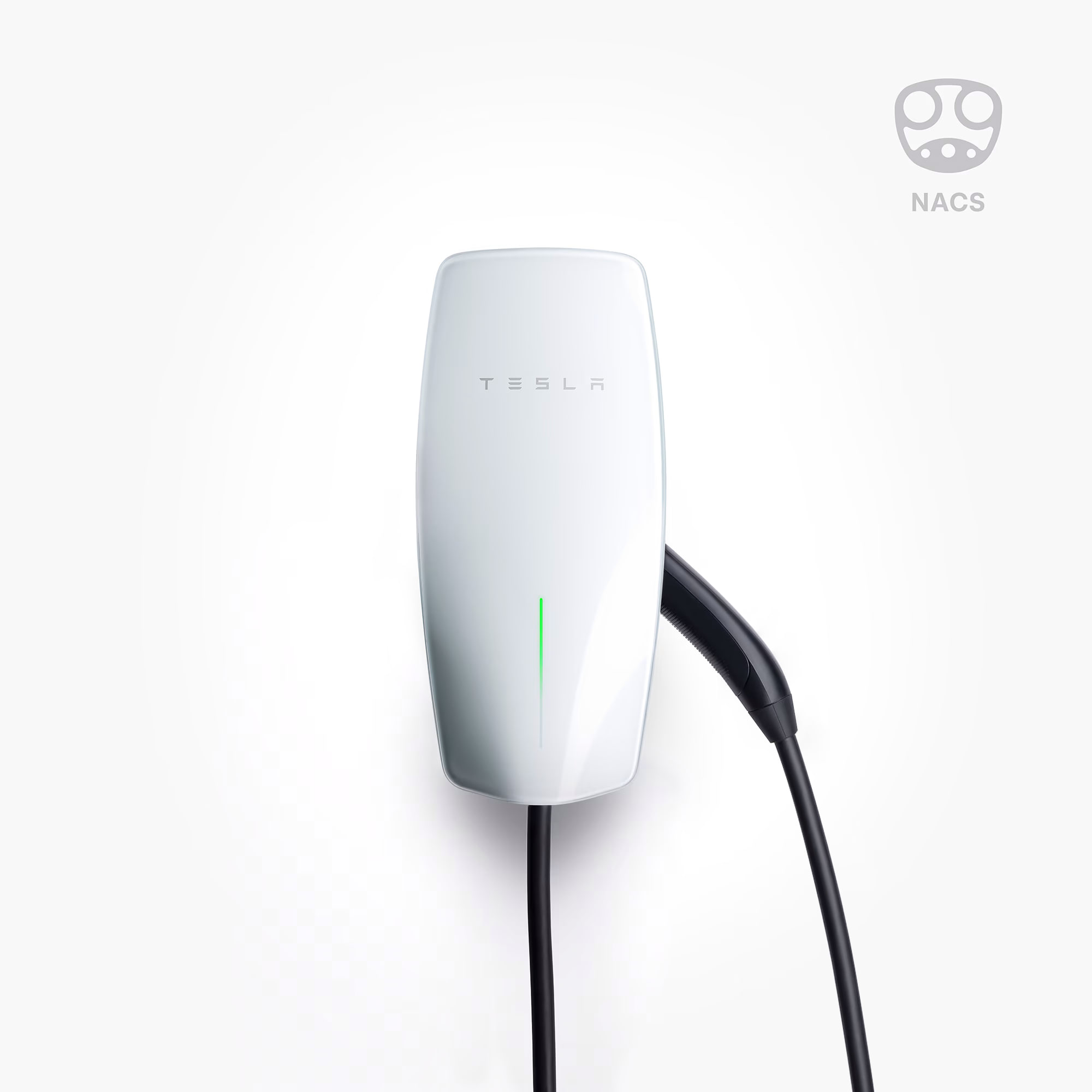
Tesla Wall Connector
Best fit when up to 11.5 kW charging, solar charging mode: no standalone charger-native solar-surplus mode verified; Tesla Charge on Solar requires compatible Tesla vehicle and Powerwall., and load management: static; Dynamic with a Tesla-approved meter for one Wall Connector; and Group Power Management for up to six Gen 3 Wall Connectors. Internet is not required for these modes..
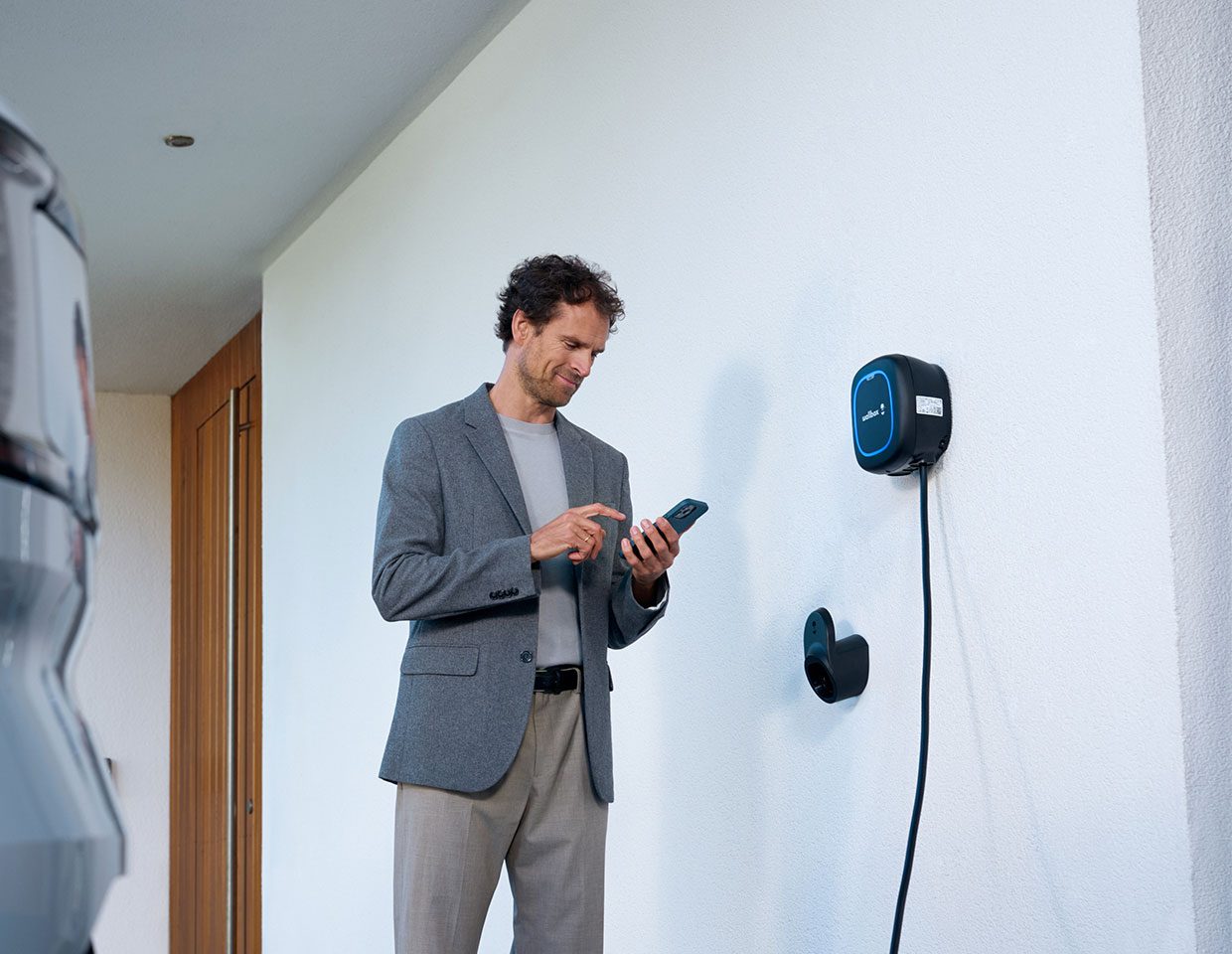
Wallbox Pulsar Plus
Best fit when up to 11.5 kW charging, solar charging mode: solar Charging with a Wallbox power meter: Eco mode mixes surplus renewable and grid energy; Full Green waits for sufficient surplus., and load management: static Load Management plus single-charger Dynamic Load Management with Wallbox EMS hardware; solar mode cannot share static or multi-charger load management..
Use this comparison when you are choosing between ev charger options and need to separate practical setup fit from headline specifications.
At A Glance
Key fit signals before the full table
A quick pass over the most decision-shaping details for each device in this featured comparison.
ChargePoint Home Flex
- Max charging
- 12 kW
- Connector
- SAE J1772 or SAE J3400 (NACS), 23 ft cable, 50 A.
- Solar charging
- No native solar-surplus charging mode verified; app supports scheduling and charge-rate control.
- Load mgmt
- Configurable 16-50 A output ceiling matched to circuit capacity; no automatic whole-home dynamic load management was verified for CPH50.
Tesla Wall Connector
- Max charging
- 11.5 kW
- Connector
- NACS / Tesla North American Charging Standard with 24 ft cable
- Solar charging
- No standalone charger-native solar-surplus mode verified; Tesla Charge on Solar requires compatible Tesla vehicle and Powerwall.
- Load mgmt
- Static; Dynamic with a Tesla-approved meter for one Wall Connector; and Group Power Management for up to six Gen 3 Wall Connectors. Internet is not required for these modes.
Wallbox Pulsar Plus
- Max charging
- 11.5 kW
- Connector
- SAE J1772 Type 1 or NACS; 25 ft cable depending on selected Pulsar Plus variant.
- Solar charging
- Solar Charging with a Wallbox power meter: Eco mode mixes surplus renewable and grid energy; Full Green waits for sufficient surplus.
- Load mgmt
- Static Load Management plus single-charger Dynamic Load Management with Wallbox EMS hardware; solar mode cannot share static or multi-charger load management.
Before You Decide
Checks that matter before price.
- Decide whether simple scheduled charging is enough or solar-aware charging matters.
- Check load management before assuming the highest amp rating is useful at home.
- Confirm whether the charger needs an external meter for solar surplus control.
- Treat OCPP, local API, and Home Assistant support as long-term flexibility signals.
| Install fit | |||
|---|---|---|---|
| Phase support | Single-phase 208/240 V AC, 60 Hz. | 200-240 V AC single-phase North America home-charging context. | 208/240 V AC single-phase Level 2 charging for North America Pulsar Plus. |
| Installation | Wall-mounted Level 2 AC EVSE: hardwired, NEMA 6-50, or NEMA 14-50; indoor/outdoor Type 3R. | Qualified-electrician hardwired indoor/outdoor Level 2 wall or pedestal installation; installer commissioning through Tesla One app. | Wall-mounted indoor/outdoor Level 2 EVSE; 40 A NEMA 14-50 plug-in or hardwired, 48 A hardwired. |
| Measurement | Level 2 AC EV charging station with power measurement, app-controlled amperage, Wi-Fi monitoring, and 15-minute session reporting. | Level 2 AC EV charging station with up to 48 A / 11.5 kW output, Tesla app scheduling, charging stats, access controls, Wi-Fi firmware updates, and diagnostics. | Level 2 AC EV charging station with app/portal energy monitoring and charge control. |
| Max current | 50 A | 48 A | 48 A |
| Rated power | Unknown | Unknown | 11.5 kW |
| EV charging fit | |||
| Max charging power | 12 kW | 11.5 kW | 11.5 kW |
| Connector | SAE J1772 or SAE J3400 (NACS), 23 ft cable, 50 A. | NACS / Tesla North American Charging Standard with 24 ft cable | SAE J1772 Type 1 or NACS; 25 ft cable depending on selected Pulsar Plus variant. |
| Solar charging | No native solar-surplus charging mode verified; app supports scheduling and charge-rate control. | No standalone charger-native solar-surplus mode verified; Tesla Charge on Solar requires compatible Tesla vehicle and Powerwall. | Solar Charging with a Wallbox power meter: Eco mode mixes surplus renewable and grid energy; Full Green waits for sufficient surplus. |
| Load management | Configurable 16-50 A output ceiling matched to circuit capacity; no automatic whole-home dynamic load management was verified for CPH50. | Static; Dynamic with a Tesla-approved meter for one Wall Connector; and Group Power Management for up to six Gen 3 Wall Connectors. Internet is not required for these modes. | Static Load Management plus single-charger Dynamic Load Management with Wallbox EMS hardware; solar mode cannot share static or multi-charger load management. |
| OCPP | No Home Flex-specific owner-configurable OCPP backend verified; managed through ChargePoint app/cloud workflows. | No official residential Tesla Wall Connector OCPP support verified in reviewed Tesla sources. | OCPP 1.6J supported for connection to a configured third-party CSMS; internet connectivity is required. |
| Gateway fit | |||
| Connectivity | Unknown | Unknown | Wi-Fi / Bluetooth |
| Monitoring | |||
| Protocol | Wi-Fi / Bluetooth / ChargePoint App | Unknown | Wi-Fi / Bluetooth / Wallbox App |
| Local API | No | Yes | No |
| Cloud dependency | App/account and Wi-Fi are required for connected features; charging and saved schedules continue offline. No owner local API verified. | Tesla app features, access controls, firmware updates, and remote diagnostics use Wi-Fi / Tesla cloud; Power Management does not require internet after setup. | Cloud optional for charging and Bluetooth control; required for remote Portal, history, and Home Assistant. No local LAN API verified. |
| Home Assistant | No | Yes | Yes |
| Solar fit | |||
| Solar import/export | No | No | Yes |
| Buying context | |||
| Price range | Unknown | USD 585 / CAD 760 before installation | About $600-$700 before installation |
| Availability | North America / United States and Canada CPH50 official product context; local rebates, electrical-code requirements, plug type, and connector options vary. | United States and Canada via Tesla Shop for the North American NACS Wall Connector; purchase eligibility, stock, incentives and installer access vary by market. | United States / North America via Wallbox official Pulsar Plus channels; regional availability and connector variants vary by market. |
| Source check | |||
| Last verified | Oct 2, 2026 | Oct 4, 2026 | Oct 4, 2026 |
| Product page | Official page | Official page | Official page |
| Documentation | Official docs | Official docs | Official docs |
Verdict
Start with ChargePoint Home Flex when up to 12 kW charging, solar charging mode: no native solar-surplus charging mode verified; app supports scheduling and charge-rate control., and load management: configurable 16-50 A output ceiling matched to circuit capacity; no automatic whole-home dynamic load management was verified for CPH50.. Put Tesla Wall Connector higher on the list when up to 11.5 kW charging, solar charging mode: no standalone charger-native solar-surplus mode verified; Tesla Charge on Solar requires compatible Tesla vehicle and Powerwall., and load management: static; Dynamic with a Tesla-approved meter for one Wall Connector; and Group Power Management for up to six Gen 3 Wall Connectors. Internet is not required for these modes.. For the final choice, check the full table for installation constraints, local data access, and source-verified unknowns.
FAQ
Common decision questions.
Which ev charger should I choose?
Choose the option that matches your installation constraints and data path first. For 3 ev charger options, the full table is most useful after you know whether local data access, cloud convenience, backup behavior, solar visibility, or expansion matters most.
What should I check before comparing prices?
Check installation fit, required accessories, official documentation, monitoring platform support, and any unknown fields in the source-checked table. Price is only useful once those constraints are clear.
Can these devices work with local dashboards or Home Assistant?
Tesla Wall Connector, Wallbox Pulsar Plus list Home Assistant support in the catalog. Tesla Wall Connector are marked with local API support. Confirm firmware, region, and integration maturity before treating this as a final compatibility guarantee.
Are unknown fields a reason to avoid a device?
Not always. Unknown means the field was not confirmed from the reviewed source data. Treat it as a question for the installer, reseller, or manufacturer before making a purchase decision.